Power Manu Quick Access
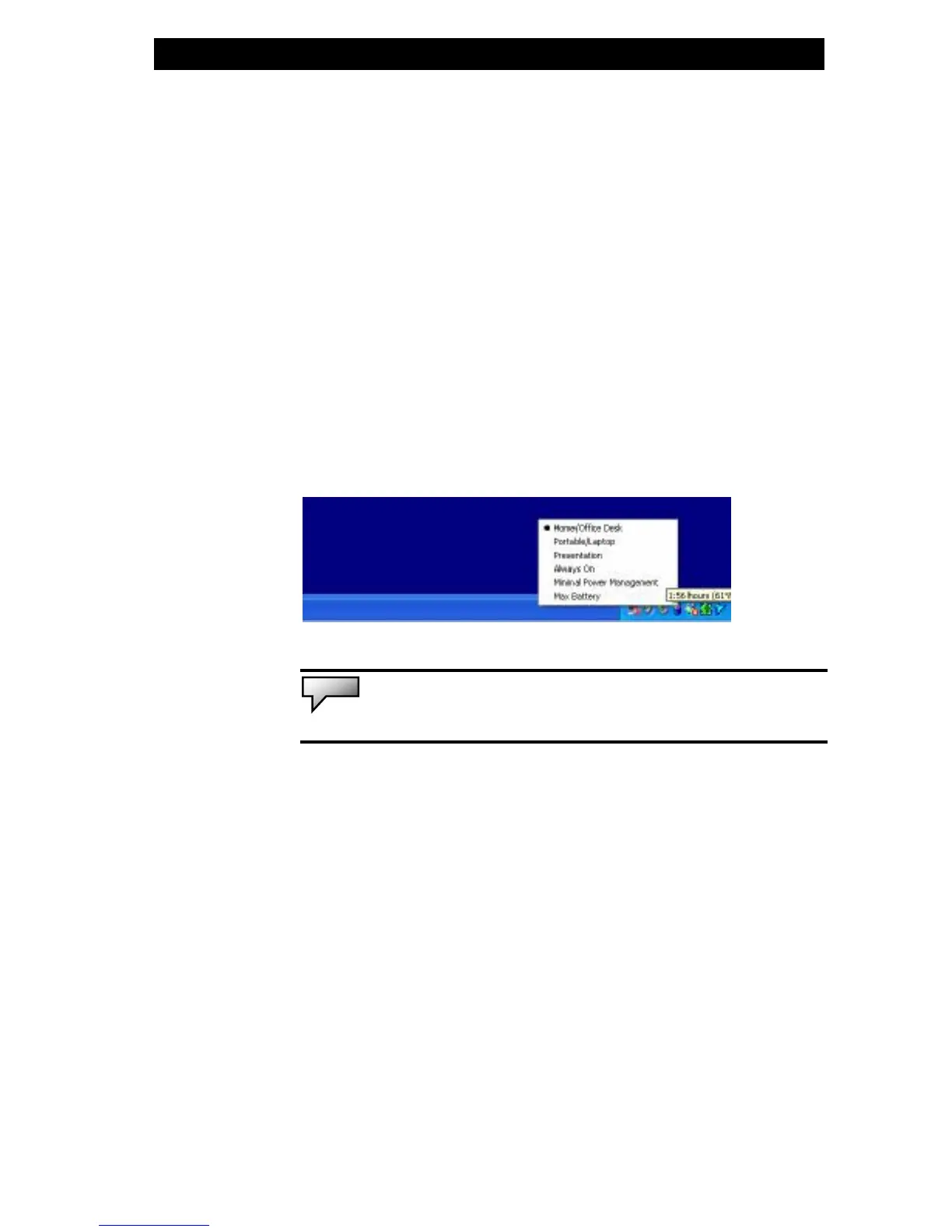
Instead of making specific selections in the Power
Options Properties box, you can quickly and easily
specify which pre-set power saving function you desire
by clicking on the Battery icon at the lower right-hand
corner of the task bar. (If you do not see a battery or
AC-in icon, go to Power Options Properties box and click
on the Advanced tab. Check off ``Always show icon on
the task bar``.) Select Max Battery if you want the system
to enter suspend mode more often. Or, select Always On
if your notebook PC is plugged into an AC power source.
Note: Actual dialogue box shown above may appear slightly different.


 To Next Page
 Loading...