Software Specification
6-7
5. Setup Menu
701 system BIOS allows users to change some system hardware/function settings during POST
(power on self test) stage, users may hit F2 key to enter SETUP mode in POST, the setup
feature is categorized into 4 menus described as below.
5.1 Main Menu
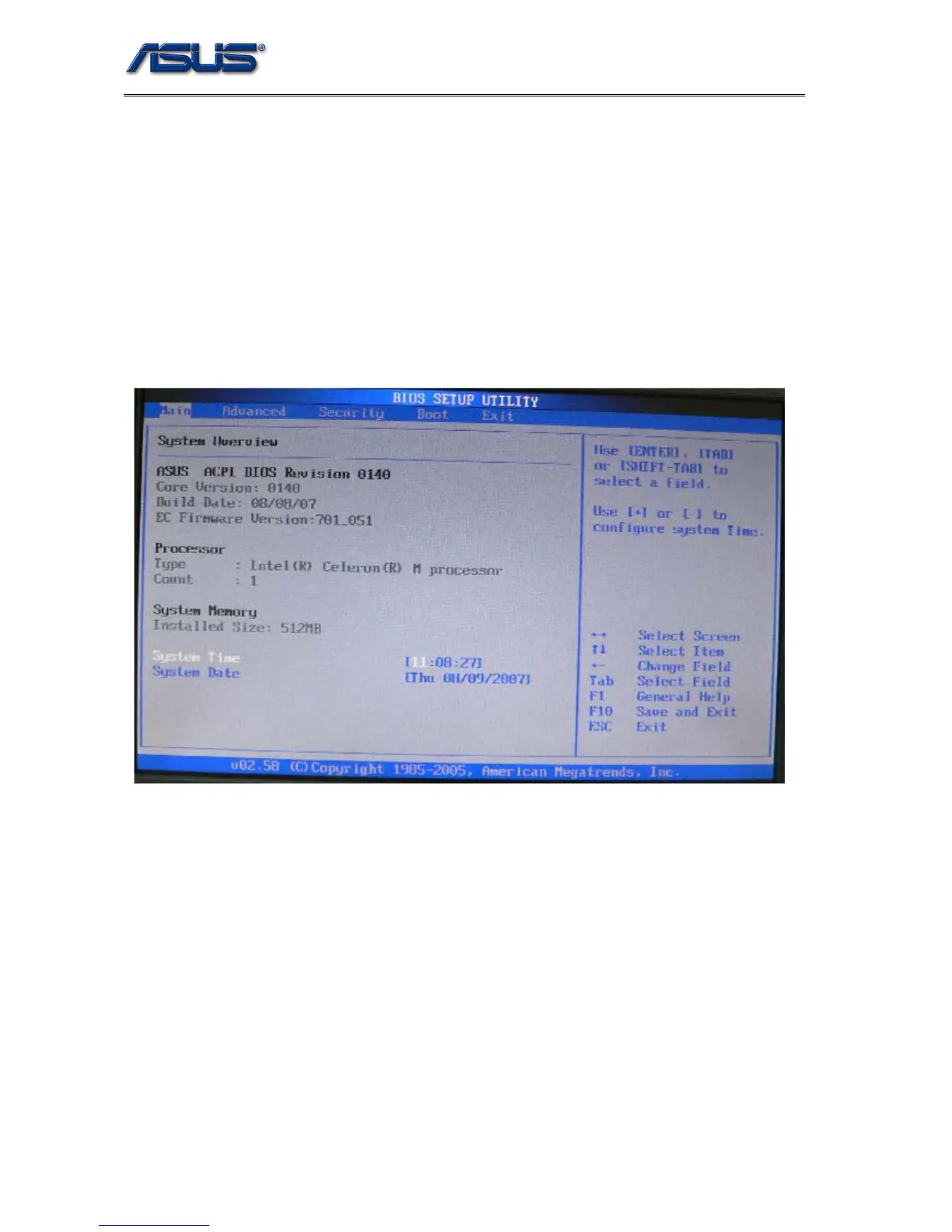
Main menu describes system overall information with some user changeable setting, it
contains below items.
1. System Firmware: Current version for the system, EC and VGA BIOS.
2. Type: Show the installed CPU Brand String.
3. Count: Show the CPU core number.
4. Installed Size: Total system available memory.
5. System Time: Current time
6. System Date: Current date.


 To Next Page
 Loading...