38
Quick settings
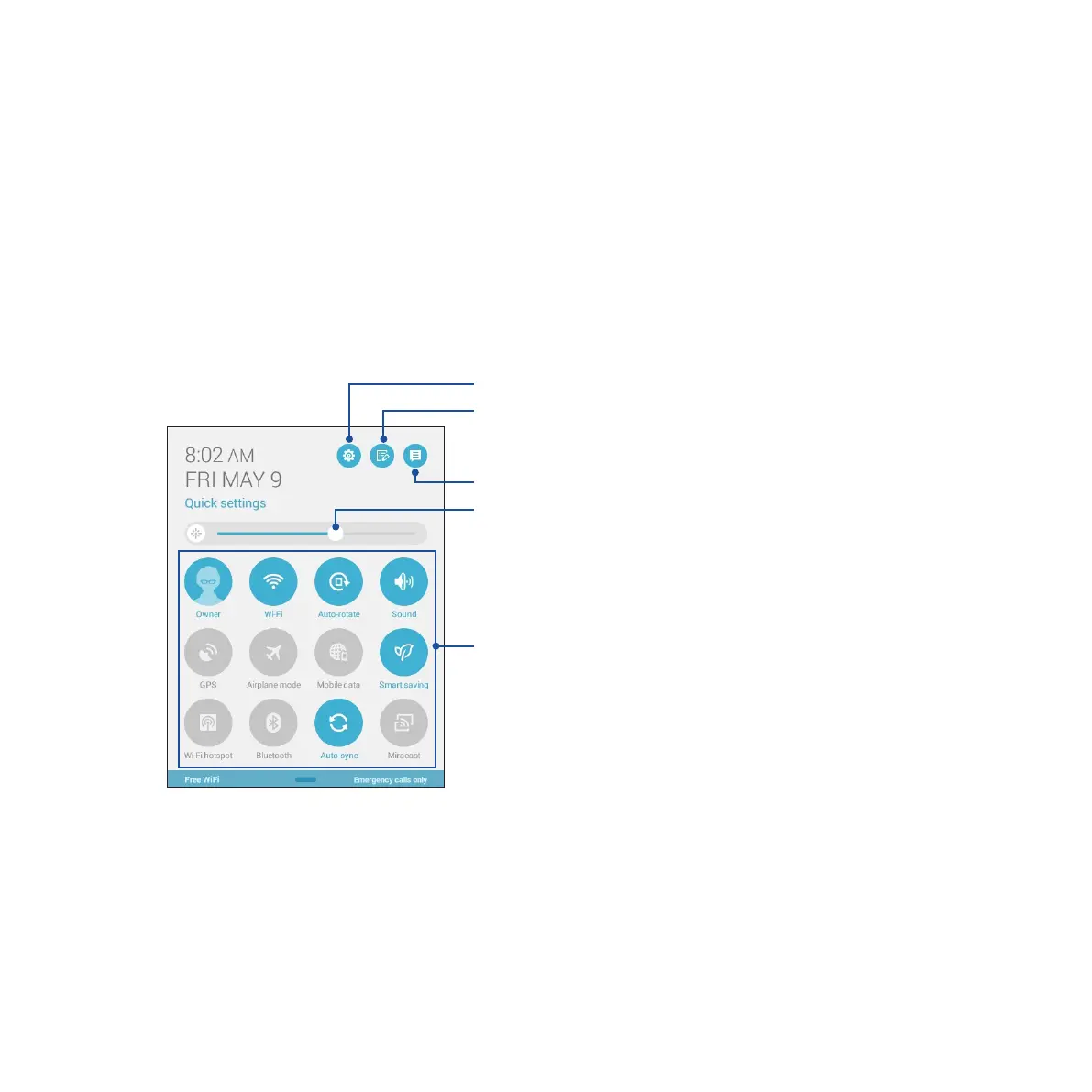
Enable functions with just one tap and personalize your Fonepad using Quick settings. This unique Zen
feature also shows system notifications that help you track recent updates and changes on your Fonepad.
You can launch Quick settings anytime you need it, even if you are currently using an app on your Fonepad.
Launching Quick settings
Swipe down from the upper right corner of your Fonepad’s screen.
Tap these buttons to enable or disable
their functions.
Slide left or right to adjust the screen’s
brightness.
Tap to open Settings.
Tap to enable/disable features in Quick
settings.
Tap to view current System notifications.


 To Next Page
 Loading...












