113
External GPS
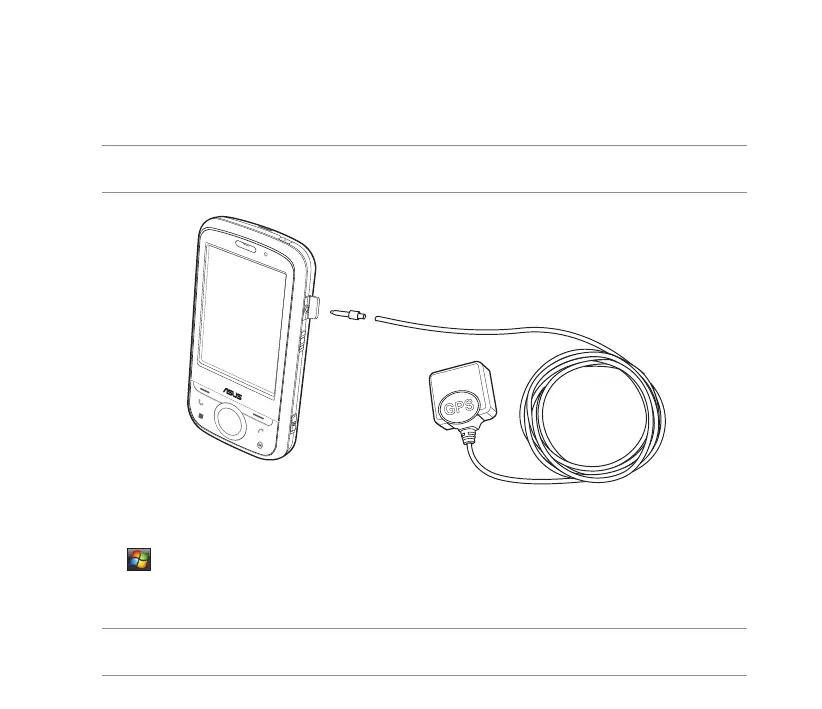
Your device allows you to use an external GPS device to receive GPS data. To use an external device,
you need to set the connection between your device and your external GPS device.
NOTE: An MMCX compatible external GPS antenna connector is included in the package. Insert this connector
to an external GPS antenna.
Setting an external GPS device
To set an external GPS device:
1. Tap > Settings > System tab > External GPS.
2. From the Programs tab, select a program port.
NOTE: Other GPS applications in your device will use the same COM Port as you set here. Ensure that this port
is also available in the other GPS applications.


 To Next Page
 Loading...










