110
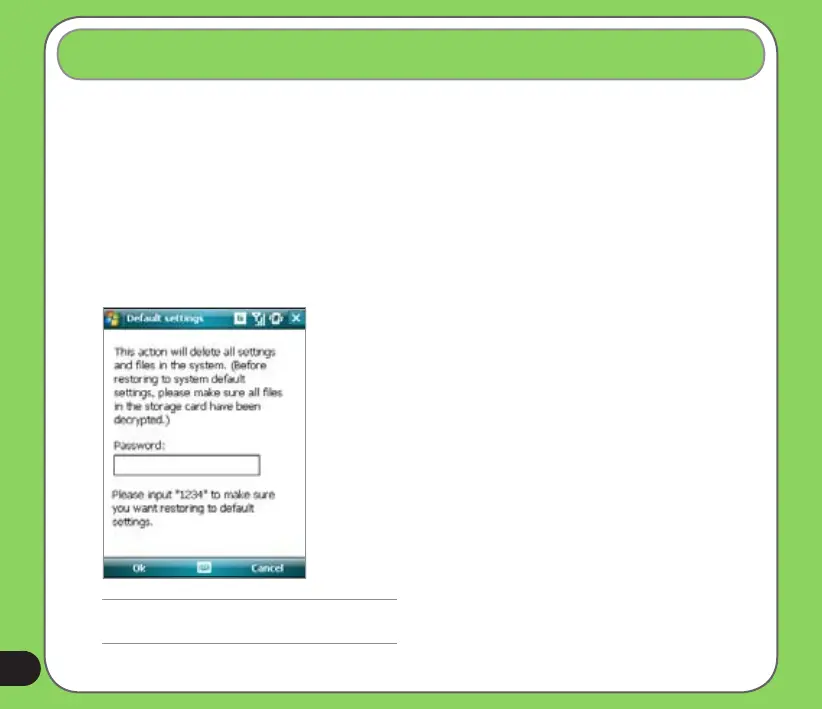
This option allows you to restore the default factory settings.
To restore default settings:
1. Tap Start > Settings > Default Settings.
2. Input ‘1234’ in the Password eld to conrm that you want to restore to default settings.
3. Tap Ok.
You can also restore the factory settings by pressing the jog dial upward and the reset button at
the same time.
Restoring default factory settings
WARNING:
This option will delete all les stored in this device.


 To Next Page
 Loading...










