38
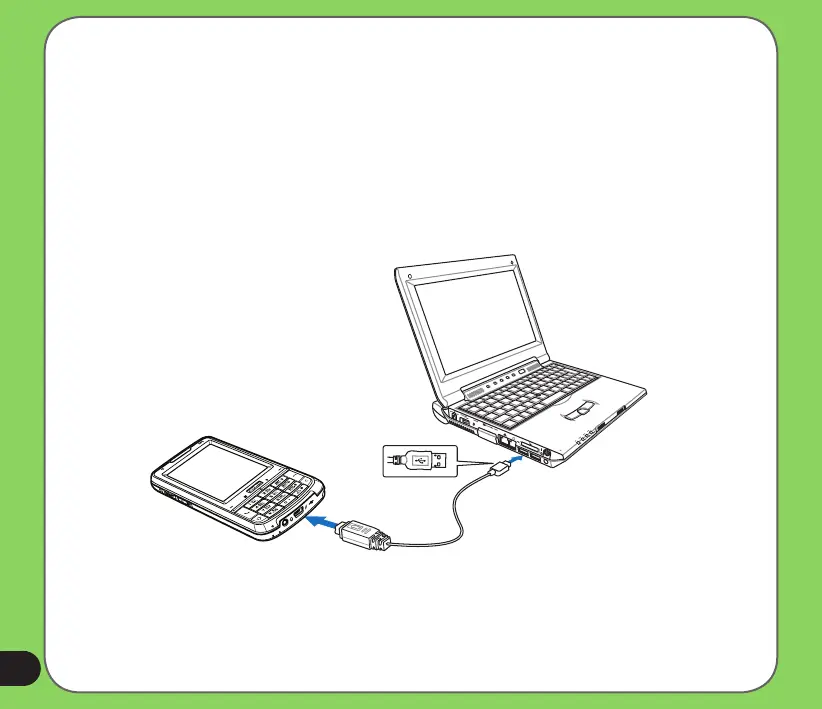
Synchronizing via mini-USB
You can connect to your device using the bundled mini-USB cable to synchronize to your
computer.
To synchronize your device via mini-USB:
1. After installing ActiveSync to your computer, connect the mini-USB plug to the mini-USB
connector at the bottom of the device.
2. Connect the other end of the USB cable to your computer. Upon connection, ActiveSync
automatically synchronizes your device.


 To Next Page
 Loading...










