64
• Enable WMM APSD: Enable WMM APSD (Wi-Fi Multimedia
Automatic Power Save Delivery) to improve power
management between wireless devices. Select Disable to
switch off WMM APSD.
• TX Power adjustment: TX Power adjustment refers to the
milliWatts (mW) needed to power the radio signal output of
the wireless router. Enter a value between 0 to 100.
NOTE: Increasing the TX Power adjustment values may affect the
stability of the wireless network.
4.2 LAN
4.2.1 LAN IP
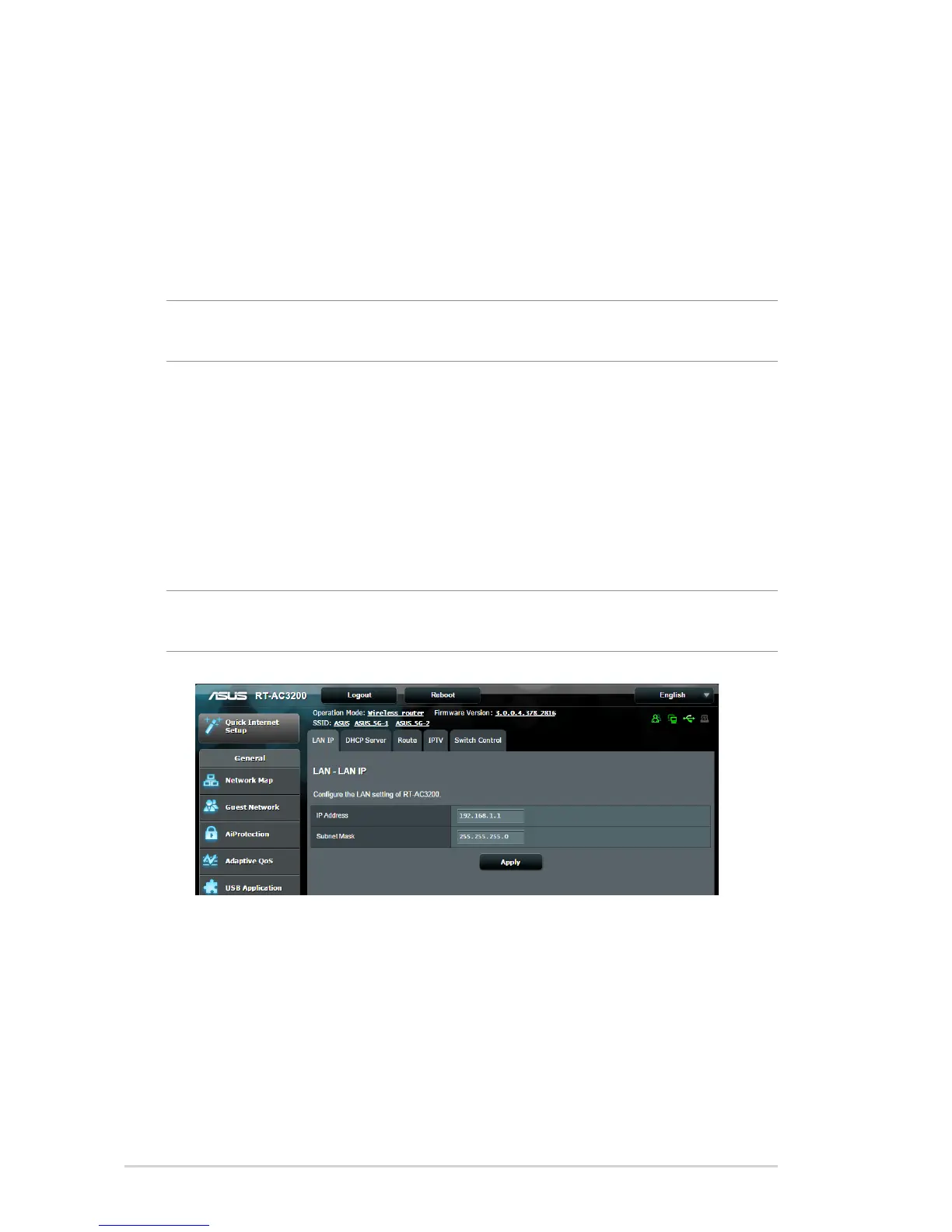
The LAN IP screen allows you to modify the LAN IP settings of your
wireless router.
NOTE: Any changes to the LAN IP address will be reflected on your
DHCP settings.
To modify the LAN IP settings:
1. From the navigation panel, go to Advanced Settings > LAN
> LAN IP tab.
2. Modify the IP address and Subnet Mask.
3. When done, click Apply.


 To Next Page
 Loading...