ASUS TS100-E10-PI4
4-15
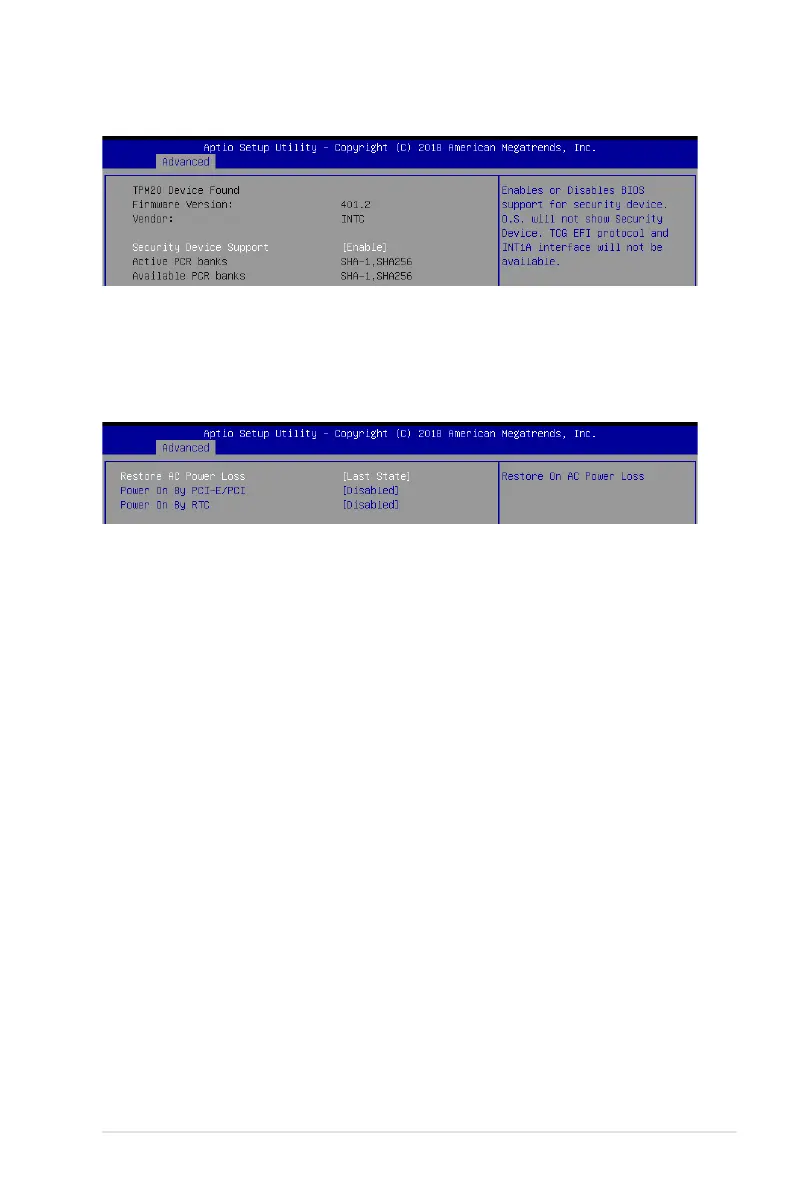
Security Device Support [Enabled]
This item allows you to enable or disable Security Device Support.
Congurationoptions:[Disabled][Enabled]
4.4.4 Trusted Computing
4.4.5 APM Conguration
Restore AC Power Loss [Last State]
Whensetto[PowerOff],thesystemgoesintooffstateafteranACpowerloss.Whenset
to[PowerOn],thesystemwillrebootafteranACpowerloss.Whensetto[LastState],the
systemgoesintoeitherofforonstate,whateverthesystemstatewasbeforetheACpower
loss.
Congurationoptions:[PowerOff][PowerOn][LastState]
Power On By PCI-E/PCI [Disabled]
[Disabled] DisablesthePCIorPCIEdevicestogenerateawakeevent.
[Enabled] EnablesthePCIorPCIEdevicestogenerateawakeevent.
Power On By RTC [Disabled]
[Disabled] DisablesRTCtogenerateawakeevent.
[Enabled] Whensetto[Enabled],theitemsRTC Alarm Date (Days) and
Hour/Minute/Secondwillbecomeuser-congurablewithsetvalues.


 To Next Page
 Loading...









