Chapter 5: Work hard, play harder
84
The Cloud
Back up your data, sync les among dierent devices, and share les securely and privately via a
Cloud account such as ASUS WebStorage, Drive, OneDrive, and Dropbox.
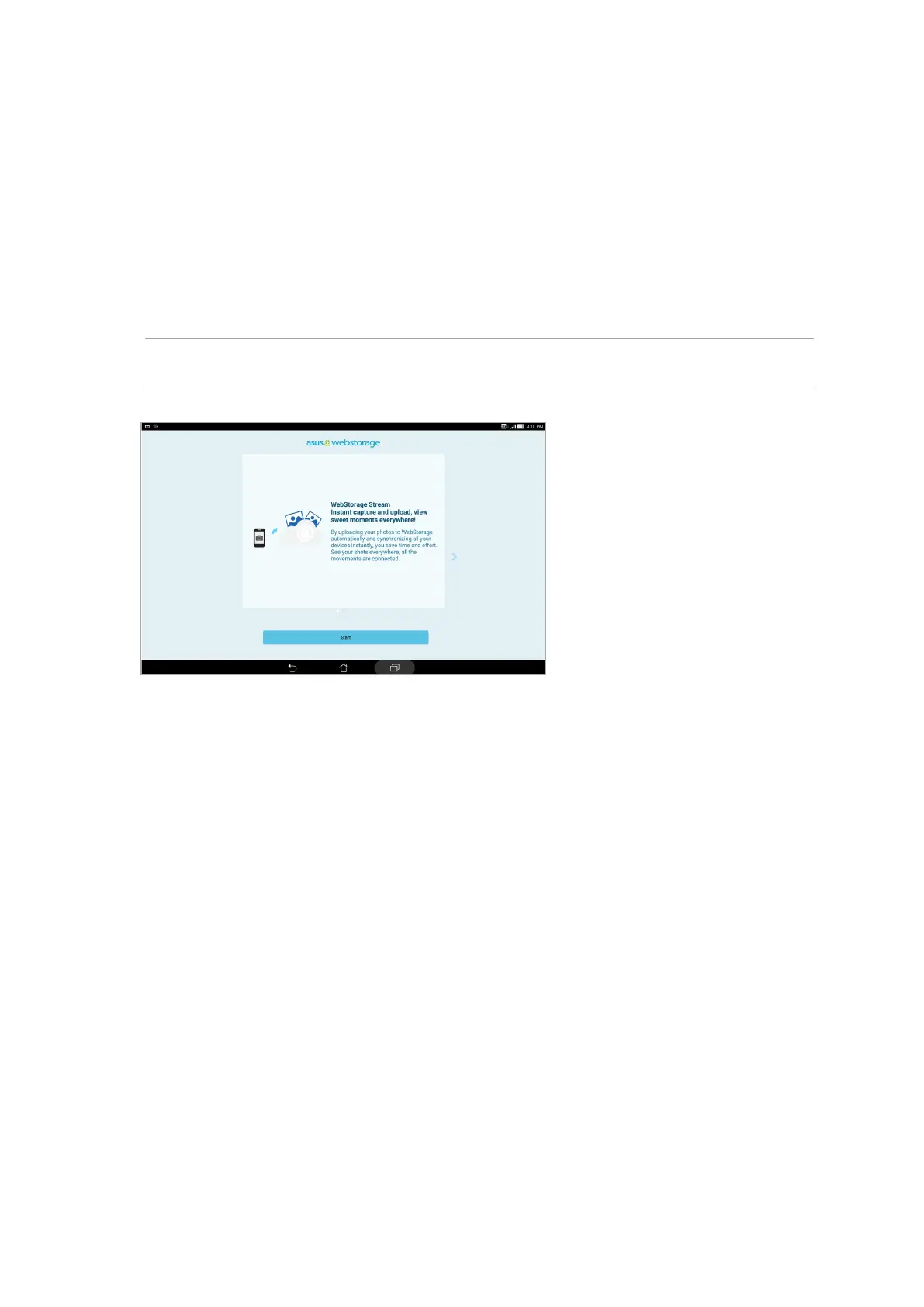
WebStorage
Register for or sign in to WebStorage and get free cloud storage. Automatically upload newly
captured photos for instant sharing, sync les among dierent devices, or share les via your
WebStorage account.
IMPORTANT! Ensure that Wi-Fi or mobile network (on selected models) is enabled on your ASUS Tablet.
For more details, see the Staying connected section.


 To Next Page
 Loading...