TV
160
TV
For your own safety, the TV picture is only
shown on the rear screen.
Due to the quality of mobile reception,
reduced picture quality can result
depending on the location and network
coverage in spite of the highly advanced
reception technology used. A change in
vehicle locations can result in improved
reception quality in many cases.<
Starting
1. Switch on audio or video sources, refer
to page 147
If an audio source is switched on,
select "Video" and confirm.<
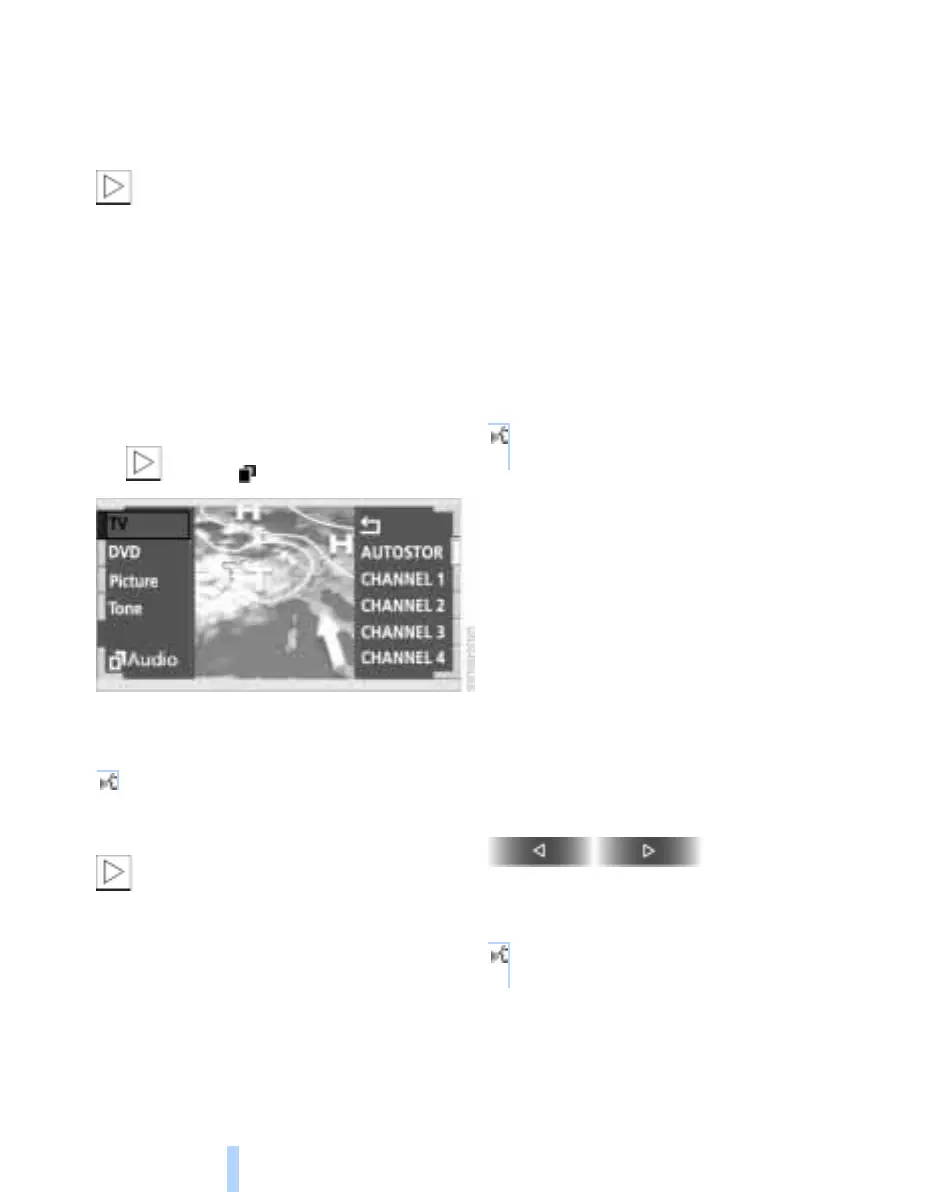
2. Select "TV" and confirm your selection.
The device selects the last station set.
Volume adjustment, refer to page 147.
Tone control, refer to page 147.
All menu items will disappear from the
screen after a brief pause if you do
not make any additional entries.<
Stopping
Switch off audio or video sources, refer to
page 147
or switch over to
> Radio, refer to page 149
> CD player, refer to page 153
> CD changer, refer to page 155
> Cassette deck, refer to page 158
> DVD, refer to page 162
or
change to another menu.
Storing programs
The stations with the strongest reception
are automatically stored and continuously
adjusted to the respective reception situa-
tion.
Selecting programs
1. Press controller to view the programs
2. Select program and confirm
or
select the direction
Press repeatedly, continuing until you
reach the desired program.
*
{TV on}.
1. {TV}
2. {Off}.
1. {TV}
2. {Next} or {Back}.
Online Edition for Part No. 01 41 0 157 197 - © 11/02 BMW AG


 To Next Page
 Loading...