13
Mode
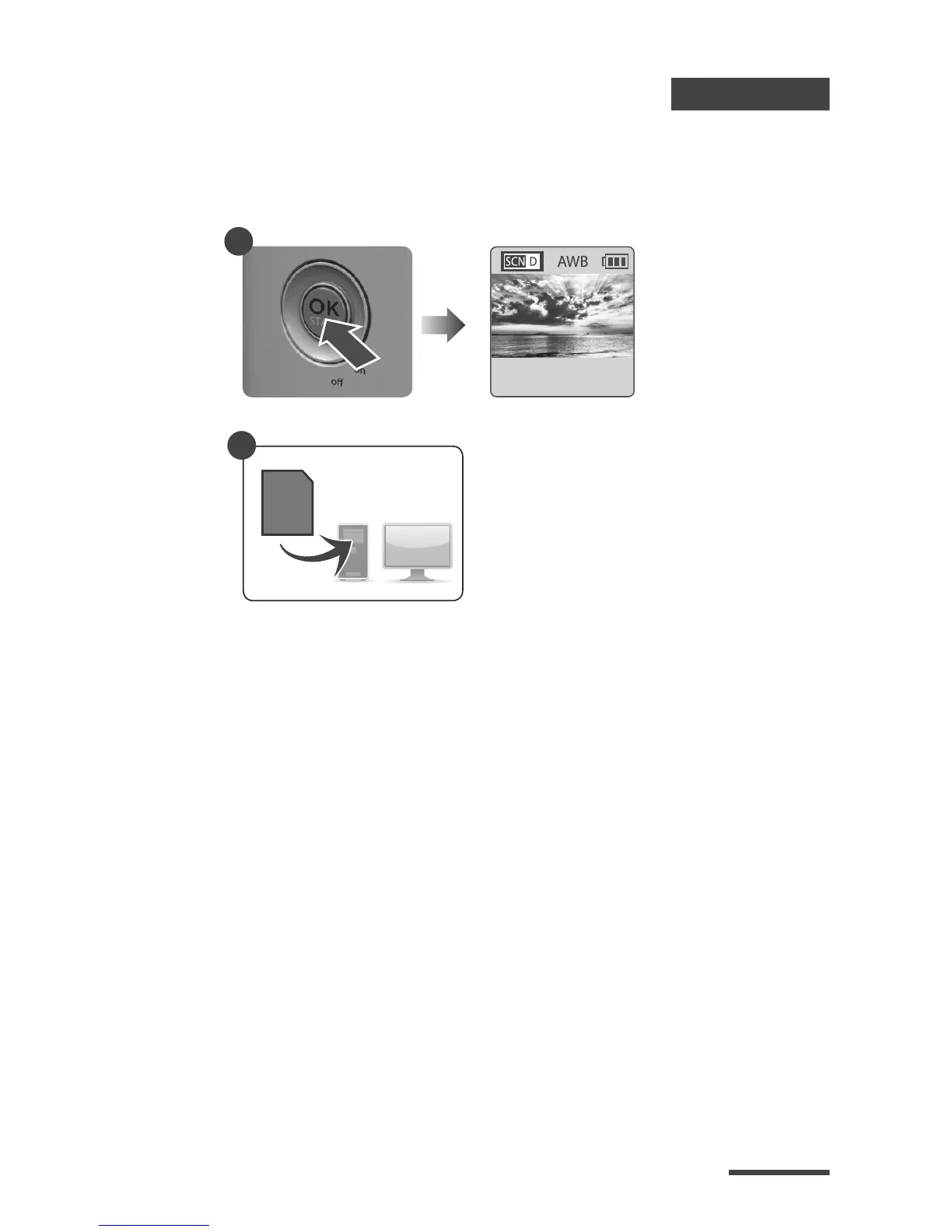
3. To Stop Recording
3-1
3-2
While recording, hold the OK button until the LCD
light turns on and shows the text “Processing”, it
means the camera is processing le closing. When
completed the processing it will display the text
"Ready” This indicates the recording session is
complete.
Remove the SD card from the camera, and insert
it into your computer or laptop to enjoy your
amazing Time Lapse Videos!
Processing
Preview screen
3-1
SD
3-2


 To Next Page
 Loading...









