21
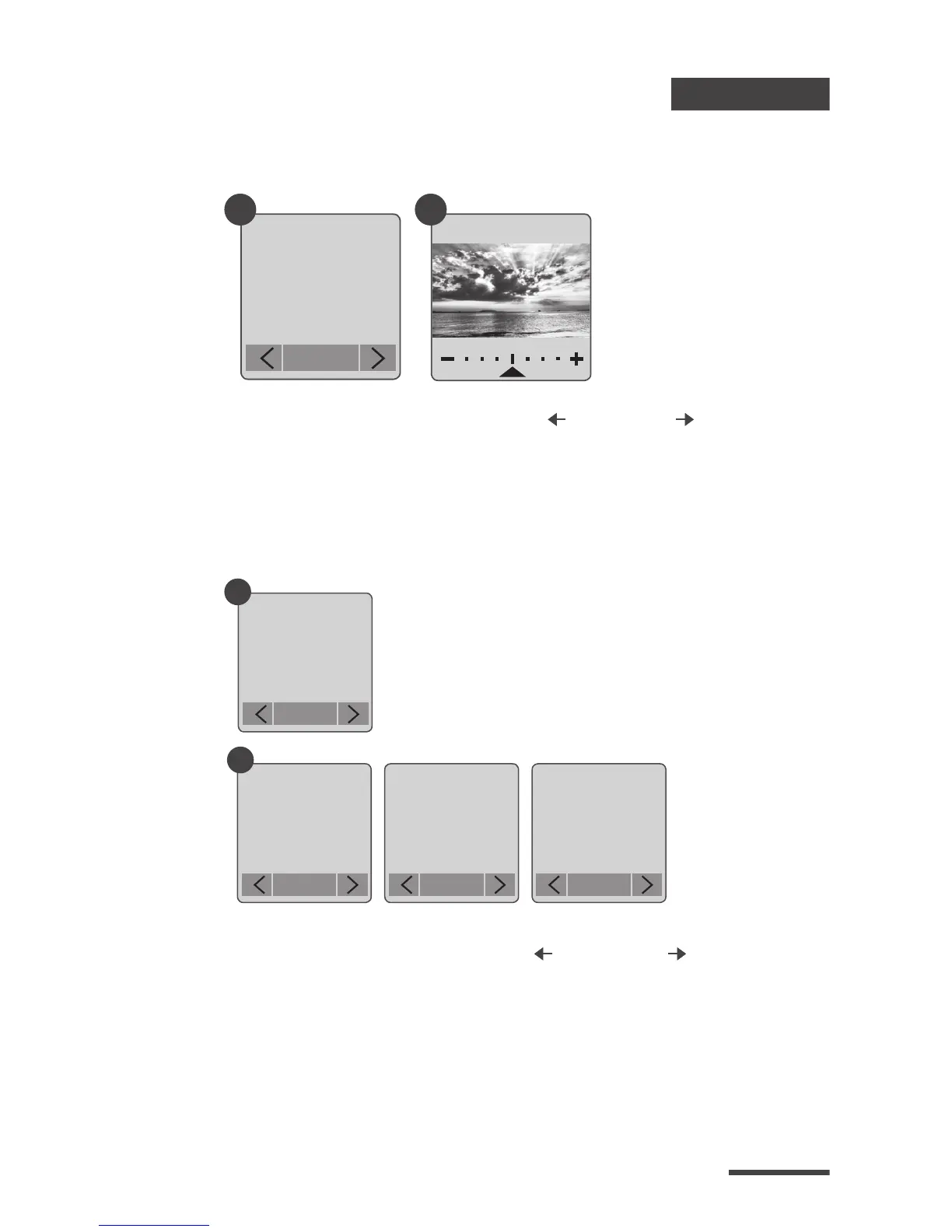
Into Exposure setting, press MENU ( ) and TIME ( ) to
increase ( + ) or decrease ( - ) the exposure and press OK
to exit.
Exposure
Custom Image
Setting
Custom
Image
OK
1
Custom
OK
2
Custom
OK
Custom
OK
Saturation Contrast Sharpness
Control Saturation, Contrast, Sharpness. Select and
enter each setting, using MENU ( ) and TIME ( ) to
adjust the eect. Then press OK to exit.
Basic Setting
Exposure
Setting
Exposure
OK
1 2


 To Next Page
 Loading...









