APPENDIX B - FLASH/PCMCIA CARD COMMANDS - 3
1. INTRODUCTION
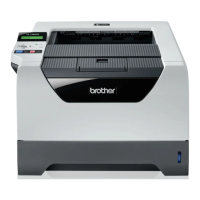
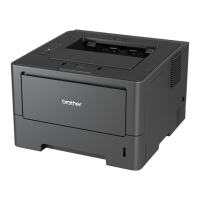
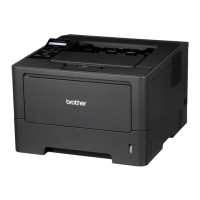
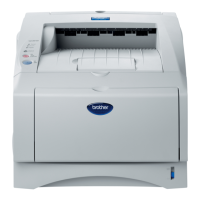
The Flash/Card Commands described in this chapter are applicable to the HL-1270N/1470N/1660e/2060/
2400C/2400Ce/3400CN/1650/1670N/2460/3260N/7050/1850/1870N/5070N/5170DN/2600CN/3450CN/
6050/6050D/6050DN/8050N/2700CN/5270DN/5280DW/5380DN/6180DW/5470DW/5450DN/5440D/S7000D
N printers only. The following types of devices can be used for the printers;
1) Flash memory card (HL-1660e/2060/2400C/2400Ce/3400CN/2600CN/3450CN)
2) ATA flash memory card (HL-1660e/1060/2400C/2400Ce/3400CN/2460/3260N/7050/
2600CN/3450CN/6050/6050D/6050DN/8050N/2700CN)
3) Internal flash memory (HL-1270N/1470N/1650/1670N/1850/1870N/5070N/5170DN/6050/6050D/
6050DN/5270DN/5280DW/5380DN/6180DW/5470DW/5450DN/5440D/S7000DN)
4) Internal HDD (HL-2400Ce/3400CN/2460/3260N/7050/2600CN/3450CN)
Both command and control panel operations allow you to read / write data onto these devices. The PostScript
emulation recognizes device types 2), 3)and 4) as a hard disk and the PostScript file operator allows you to read
/ write data on these devices.
For the HL-
1270N/1470N/1650/1670N/1850/1870N/5070N/5170DN/6050/6050D/6050DN/5270DN/5280DW/5380DN/61
80DW/5470DW/5450DN/5440D/S7000DN printer, please note that the part of the internal printer flash memory
can be used as though it was a HDD.
For the HL-6050/6050D/6050DN printer, the internal printer flash memory is available after their firmware
version 1.18.


 To Next Page
 Loading...