218 POWER AMPLIFIER
37| 46
Switching off the 218 with the remote control
Press the (POWER) button on your remote control.
$
The device is switched to standby mode and the POWER LED (2) changes colour.
To switch off the 218 completely, set the power switch (6) on the back of the device to
OFF position.
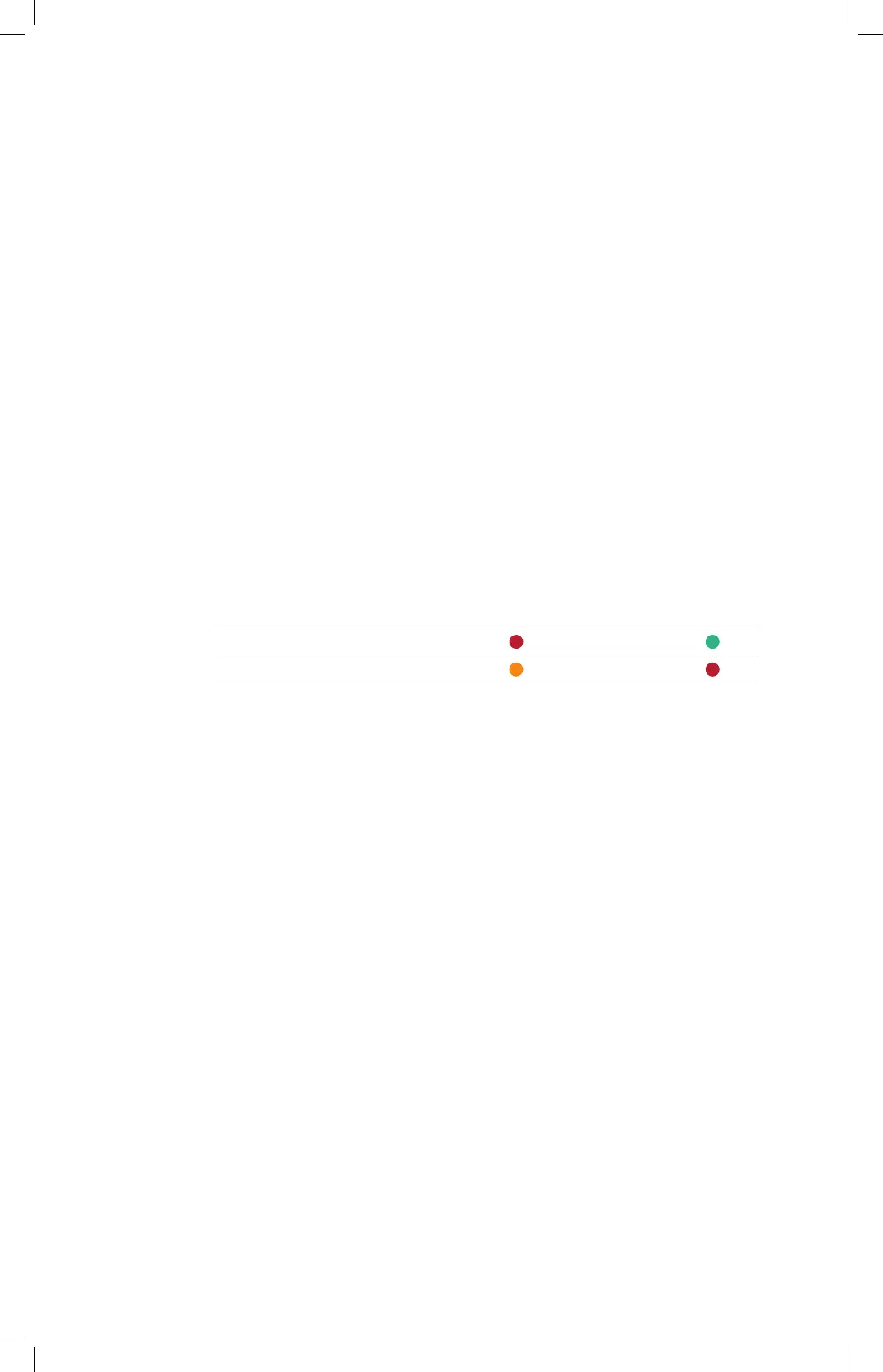
SELECTING THE LED COLOURS
To customise the POWER LED (2) colours to suit your preferences, you can choose one
of two configurations:
1. (Standard)
2. STBY = Red 3. ON = Green
2.
4. STBY = Orange 5. ON = Red
To change the colour scheme, the 218 must be in standby mode.
$
Press and hold the POWER switch (1) for about 10 seconds.
AUTO POWER DOWN
The 218 has an auto power down (APD) function. This ensures that the 218 switches
to standby mode if there is no input signal for a period of approx. 30 minutes.
The APD function is switched on when the 218 is delivered. It can be switched on and
off at the device, with the remote control or via BurLink.
To switch APD on and off, the 218 must be switched on (ON state):
Switching the APD on and off at the device
To switch off the APD function directly at the device, press and hold the
POWER button (1) for 5 seconds.
$
The front LED (2) briefly flashes red three times.
To switch the APD function back on directly at the device, press and hold the
POWER button (1) again for 5 seconds.
$
The front LED (2) briefly flashes green three times.


 To Next Page
 Loading...









