8
Installing the Software from the
CP Printer Solution Disk
Canon CP Printer Solution Disk contains software required for printing from
your computer.
Installing
1
Close any programs that are running.
2
Place the Canon CP Printer Solution Disk in the CD-ROM drive.
3
With Mac OS 9.0 - 9.2, double-click the [Canon CP Printer Installer]
icon in the [Mac OS 9] folder on the CD-ROM.
With Mac OS X, double-click the [Canon CP Printer Installer] icon
in the [Mac OS X] folder on the CD-ROM.
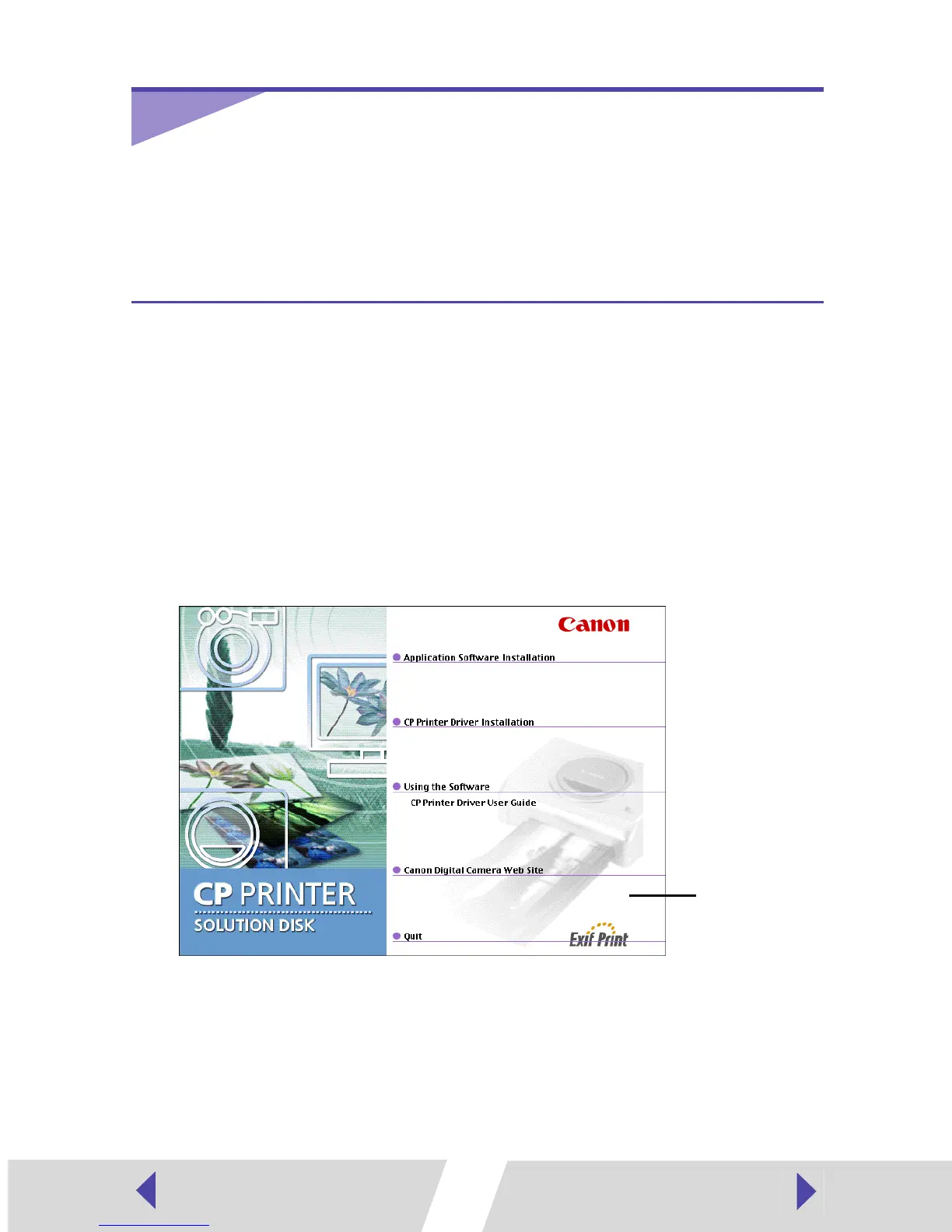
The installer panel appears.
4
Click [Application Software Installation].
5
Select the software to install, and then click the [Install] button.
To install ImageBrowser, select [ImageBrowser].
Installer panel


 To Next Page
 Loading...