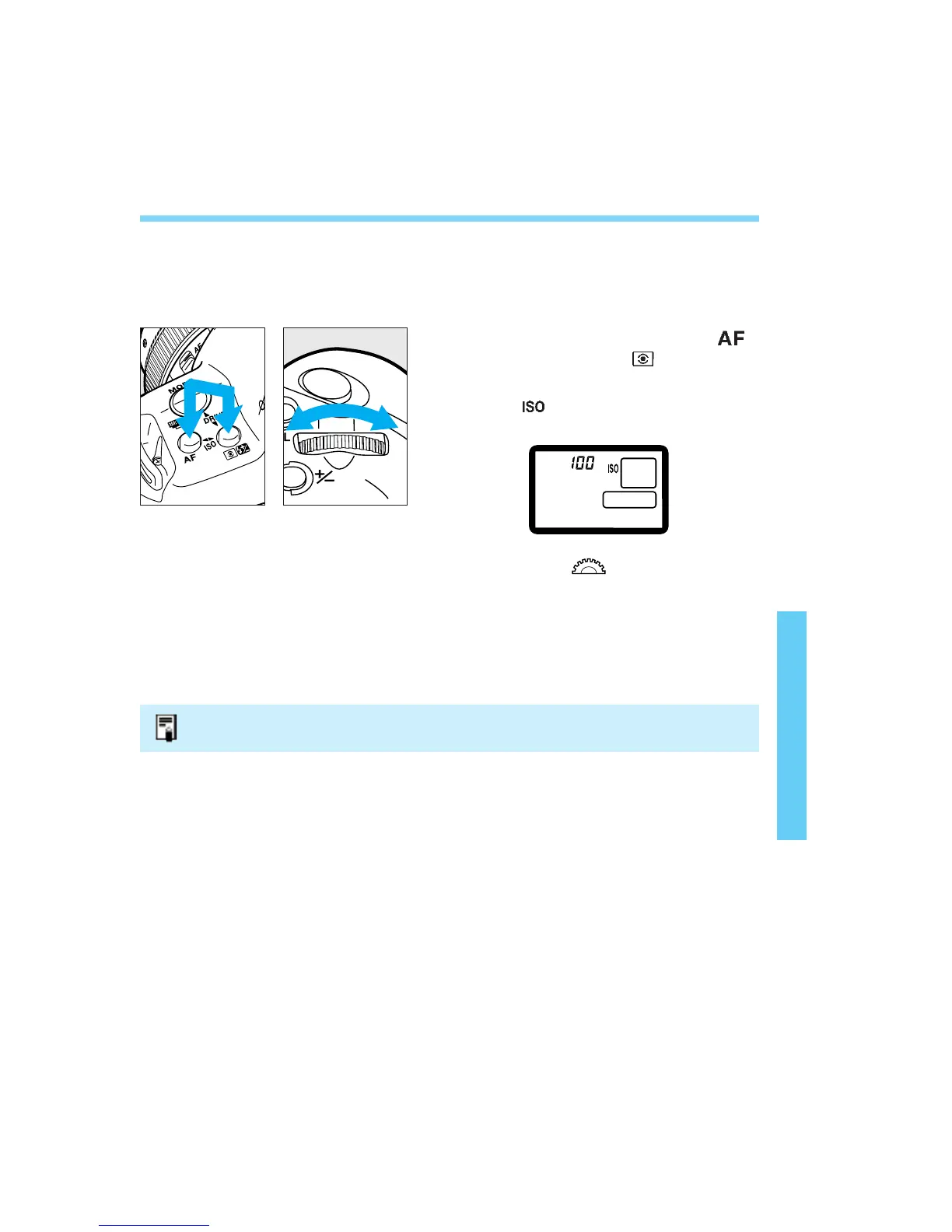
8. Setting the Film Speed Manually
If the film is not DX-coded or if you want to set a different ISO film speed,
load the film and set the ISO film speed manually.
• The ISO film speed can be set manually from 6 to 6400.
Press and hold down the < >
button and < > button
simultaneously.
• The < > icon and the currently-set film
speed will be displayed.
Turn the < > dial until the
desired film speed is displayed on
the LCD panel.
Release the two buttons. The film
speed will then be set.
81
1
2
3
The manually-set film speed will be canceled the next time DX-coded film loaded.
06. C836-E (61~) 28-01-2003 11:49 Pagina 81


 To Next Page
 Loading...












