75
After achieving focus, you can lock the focus on a subject and
recompose the shot. This is called “focus lock.” Focus lock works only in
the One-Shot AF mode.
1
Set the Mode Dial to a Creative
Zone mode.
2
Select the desired AF point. (p.73)
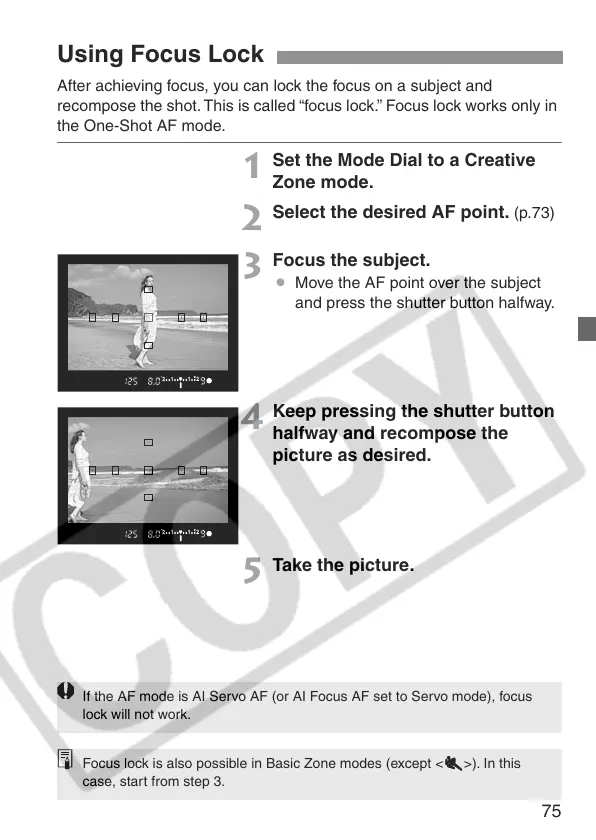
3
Focus the subject.
¡ Move the AF point over the subject
and press the shutter button halfway.
4
Keep pressing the shutter button
halfway and recompose the
picture as desired.
5
Take the picture.
Using Focus Lock
If the AF mode is AI Servo AF (or AI Focus AF set to Servo mode), focus
lock will not work.
Focus lock is also possible in Basic Zone modes (except <55
55
>). In this
case, start from step 3.


 To Next Page
 Loading...









