108
E
Advanced Operations
INS/
OVR
*
*
LENON
LENON
LENON
LEMON
“*” means “OVR” mode.
1
2
3
4
*
*
lemon
Soda lemon
Soda lemon
Soda Lemon
1
2
3
4
LENON
LENON
LEMNON
LEMON
1
2
3
4
GRASS
GRASS
GROASS
GROSS
1
2
3
4
INS/
OVR
CAPS
Shift
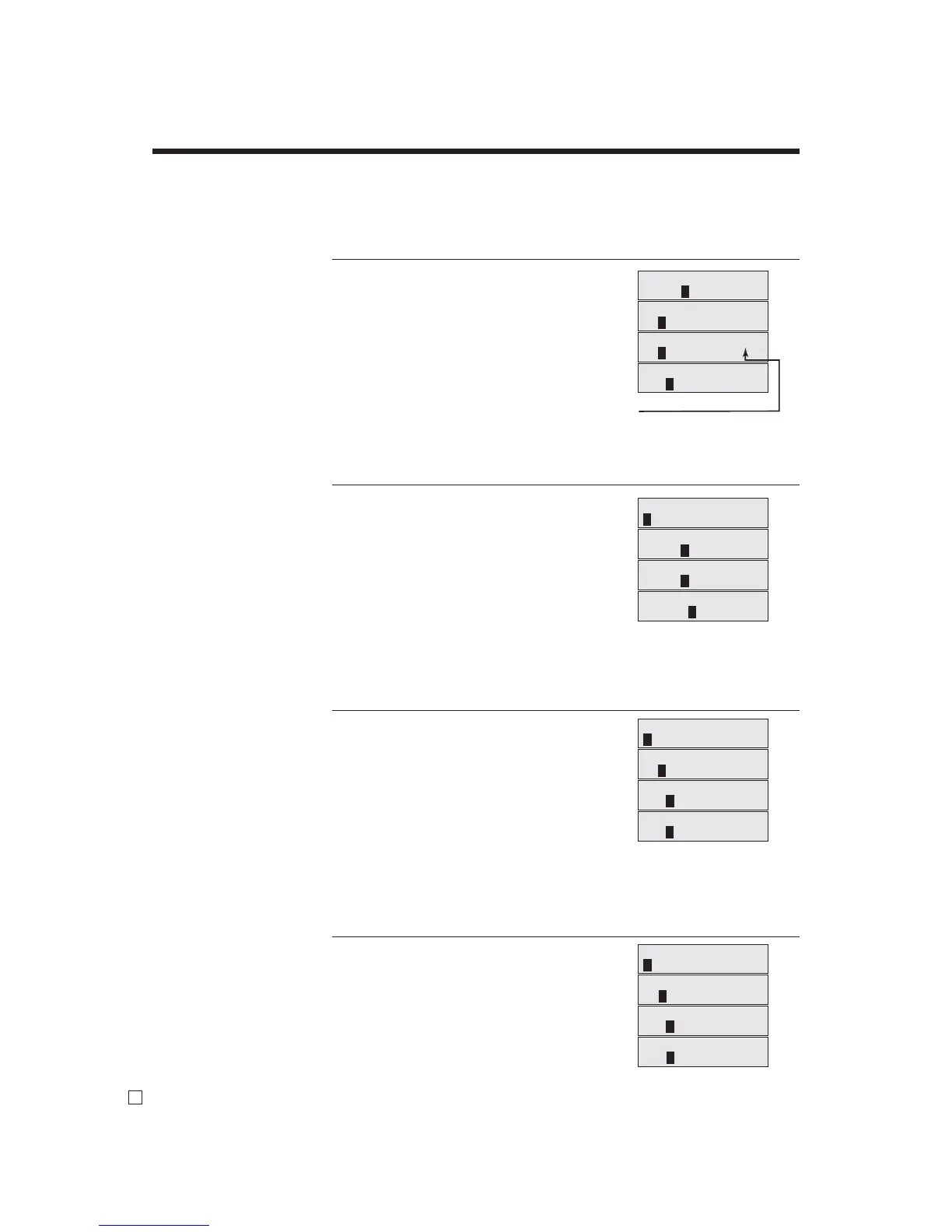
Editing characters
Correcting a character just entered
OPERATION DISPLAY (dot)
“L” “E” “N” “O” “N”
1
Enter LENON, instead of LEMON. 1
yyy
1
Press left arrow key three times.
2
B
1
Override mode
3
“M”
1
Enter “M”. 4
Correcting and adding a PLU descriptor already set
OPERATION DISPLAY (dot)
-
1
Enter “00”.
15+
1
Enter PLU No.
1
“S”
B
“o” “d” “a” “ ”
1
Enter “Soda” and “space”.
2
B
1
Override mode
3
B
“L”
1
Enter “L”.
4
Correcting a key descriptor already set
OPERATION DISPLAY (dot)
-
1
Enter “00”.
!
1
Designate an appropriate key.
1
uu
1
Press right arrow key two times.
2
“M”
1
Enter “M”. 3
^
1
Delete “N”.
4
Correcting a message descriptor already set
OPERATION DISPLAY (dot)
0101s
1
Enter record and fi le number.
1
uu
1
Press right arrow key two times.
2
“O”
1
Enter “O”. 3
^
1
Delete “A”.
4


 To Next Page
 Loading...









