29
Operating Instruction for Thermal Imager
6-8.Camera Menu
• Thermal Imager has photo and video functions.
• In photo function, the Imager can save thousands of images.
• Every image resolution is 1280x960, format is “.jpg”, and stores infrared data and visible data in an image.
• In video function, the Imager has “.mp4” video capture for hours, and save infrared data in “.mp4” format.
Note: Images and video files are stored in SD Memory Card, Images can easily be read and second analyzed within
Thermal Imager PC software.
6-8-1.Save Image
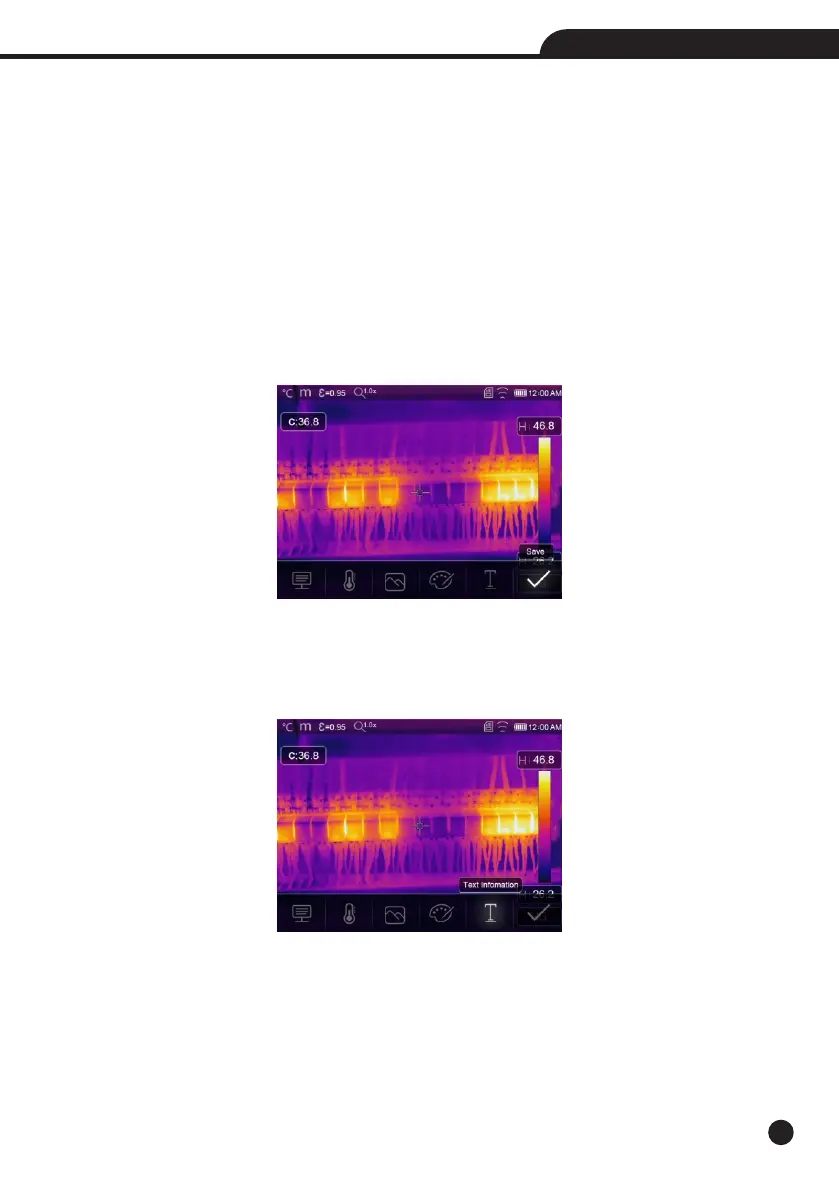
1.In desktop, press Trigger button, freeze an image, The save menu will display.
2.Press “MENU/OK” key save image, and the image will flash for a second, after the image is saved, the image
will be unfreezed.
6-8-2.Add Text Note
• Touch the “Text information” icon, it can add some text infomation into the picture,
• Next time if the saved picture opened in gallery or PC software,the text info will displayed with the picture.



 To Next Page
 Loading...










