7. Troubleshooting
If your device does not seem to be operating correctly, refer to
the chart below to determine what may be wrong. Should none
of these measures correct the problem, the device should be
serviced.
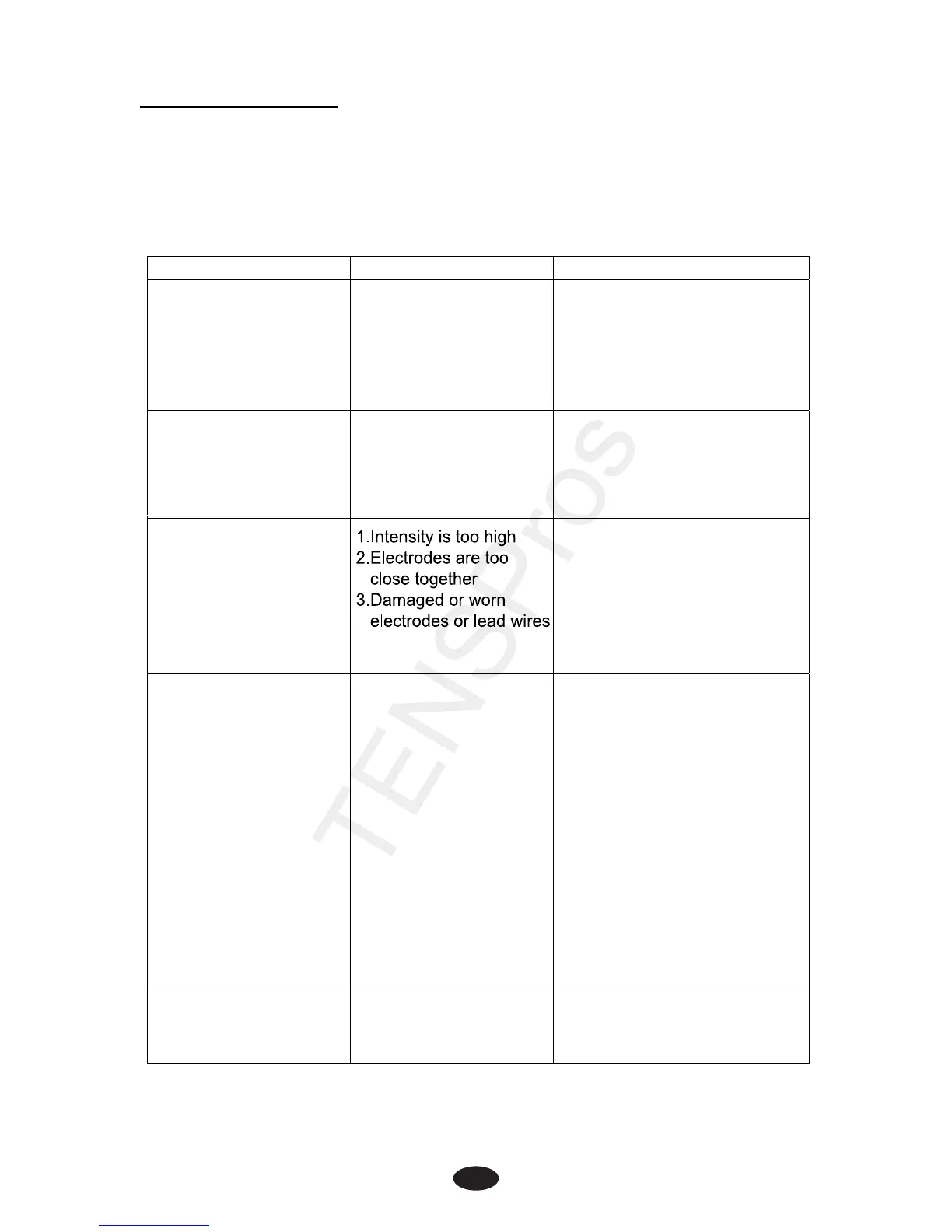
Proble
m
Possible Cause Solutio
n
Display fails to light up Batte
r
y contact failure 1. Try fresh batteries.
2. Ensure batteries are
inserted correctly. Check
the following:
• All contacts are in place
Stimulation
eak
Electrodes or Lead Wires
1. Dried out or contaminated
2. Placement of lead wires
3.Old/worn/damaged
electrodes or lead wires
Replace and re-connect
Replace
Stimulation is uncomfortable
Intermittent output Lead
ires
Program option in use
1. Veri
e and
firmly seated.
2. Turn down the intensity.
Rotate lead wires in socket 90°.
If still intermittent, replace lead
wire.
3. If still intermittent after replacing
lead wire, a component may have
failed. Call the repair department.
Some programs will seem
intermittent. This is expected.
Refe
to the Program Option
Stimulation is ineffective. Imprope
ode and
applicator placement
Unknown
Reposition electrode and applicato
1.Decrease intensity.
2.Reposition the electrodes.
3.Replace.
4.Replace electrodes with
ones that have an active
area no less than 1.5” X 1.5”


 To Next Page
 Loading...