2 Installation
Ethernet Requirements
YoucanconnectmanynetworkprinterstoonePC.Themaximumnumberofprintersdependson
thecapacityofthenetworktodeliverdatatotheprinter.
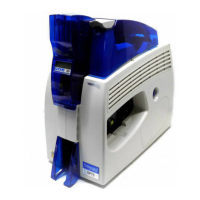
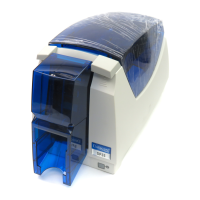
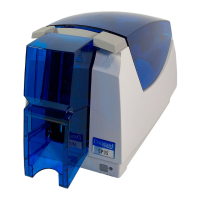
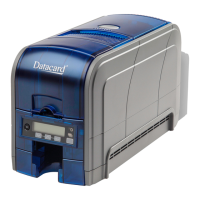
ToinstallanSD260printeronanetwork,thefollowingcomponentsarerequired:
AnEthernetnetworkthatusestheTCP /IPprotocolandcanrunat100megabitspersecond,
alsocalled100base‐T.Printersalsosupport10base‐T.
AnEthernetcabletoconnecttheprintertothenetwork.AnEthernetcableisnotsupplied
withtheprinter.
APCthatmeetsthe“PCRequirements”describedonpage 1,andisconnectedtoand
communicatingwiththenetwork.
USB Requirements
YoucanconnectuptoeightcardprinterstoaPCusingUSBcables.
ToinstallaprinterusingaUSBconnection,thefollowingcomponentsarerequired:
Ahigh‐speedUSBport.USB2.0isrequired.
AUSB2.0cabletoconnecttheprintertothePC.AUSBcableissuppliedwiththeprinter.
APCthatmeetsthe“PCRequirements”describedonpage 1.
IfyouneedtoconnecttwocardprinterstoaPCwithoneUSBport,useasingle,independently
poweredUSBhubtowhichyoucanconnectbothprinters.
Electrical Requirements
Thepowersupplydetectstheinputvoltageandworkswithintherangestated.
PrinterModel
ElectricalRequirements
Input Output
SD160orSD260 110–240V/50–60Hz/1.5Amp 24V/3.0Amp/72W


 To Next Page
 Loading...