1‑1
Chapter 1 Troubleshooting
Version 1 2006.11.21
The troubleshooting procedures in this manual assume implementation of
diagnostics.
However, since this manual is organized so that troubleshooting can be performed
without diagnostics, read and understand fully the procedures you may need
before starting.
1. Troubleshooting Procedures
After confirming the problem, go to the Fault Isolation Procedure (FIP), Operation of Diagnostic
(Chapter 2), Wiring Diagrams (Chapter 7), and Principles of Operation (Chapter 6).
1.1 Flow of Troubleshooting
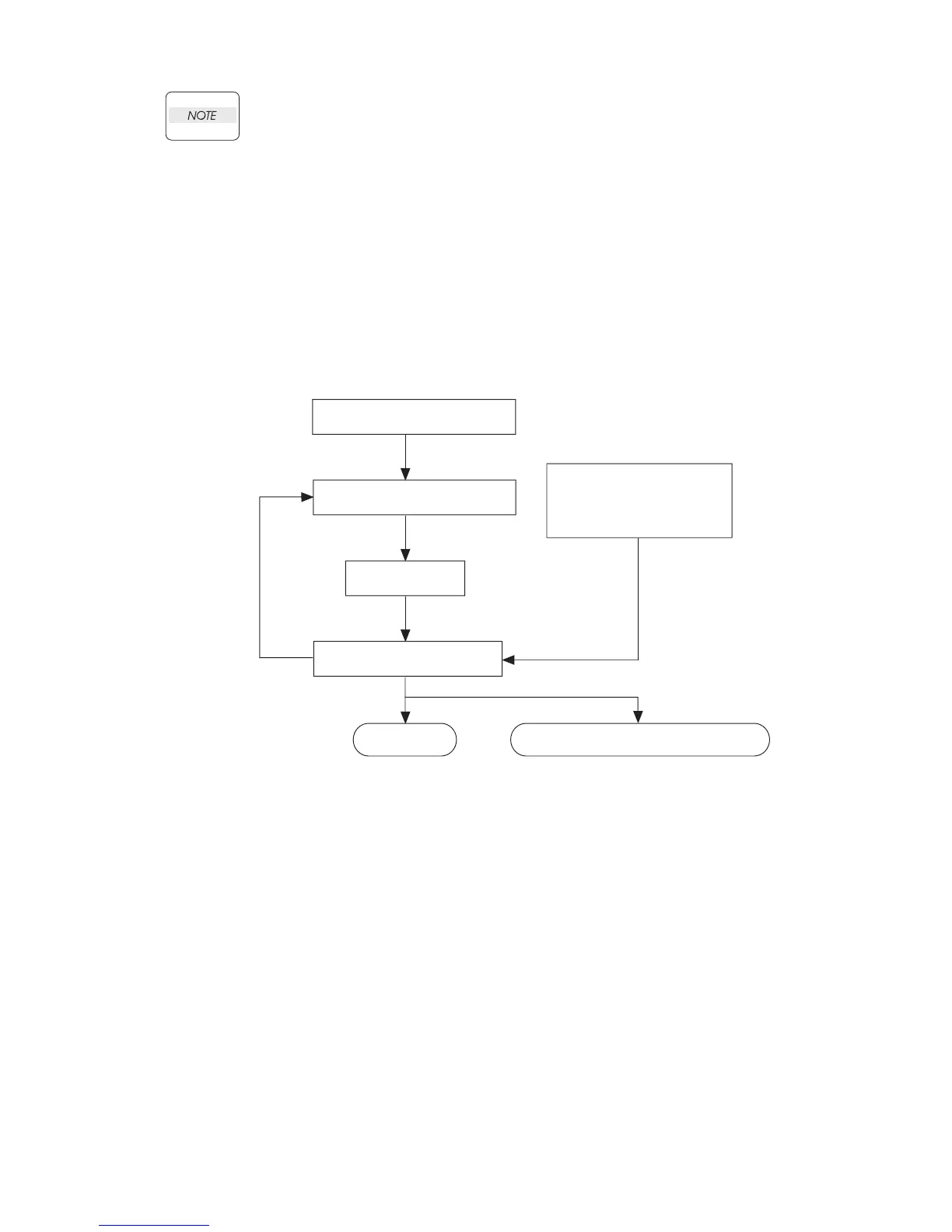
Flow of the troubleshooting is as follows:
1.2 Confirm Installation Status
Be sure to check the following items before starting the troubleshooting procedures:
1) The power supply voltage is within the specifications (measure the voltage at the electric outlet).
2) Power cord is free from breakage, short-circuit, disconnected wire, or improper wiring.
3) The laser printer is properly grounded.
4) The laser printer is not installed at a place subjected to too high temperature, too high humidity, too
low temperature, too low humidity or rapid change of temperature.
5) The laser printer is not installed close to water service, humidifier, heat generating unit, or fire, in
very dusty place, or a place exposed to air flow from the air conditioning system.
6) The laser printer is not installed in a place where explosive or inflammable atmosphere may
develop.
Check installation status
Check trouble status
Execute FIP
Check for recovery
End
Send back printer or parts to
manufacturer
Operation of Diagnostic
Principles of Operation
Wiring Diagrams
Reference
information
When problem persists



 To Next Page
 Loading...











