1‑11
Chapter 1 Troubleshooting
Version 1 2006.11.21
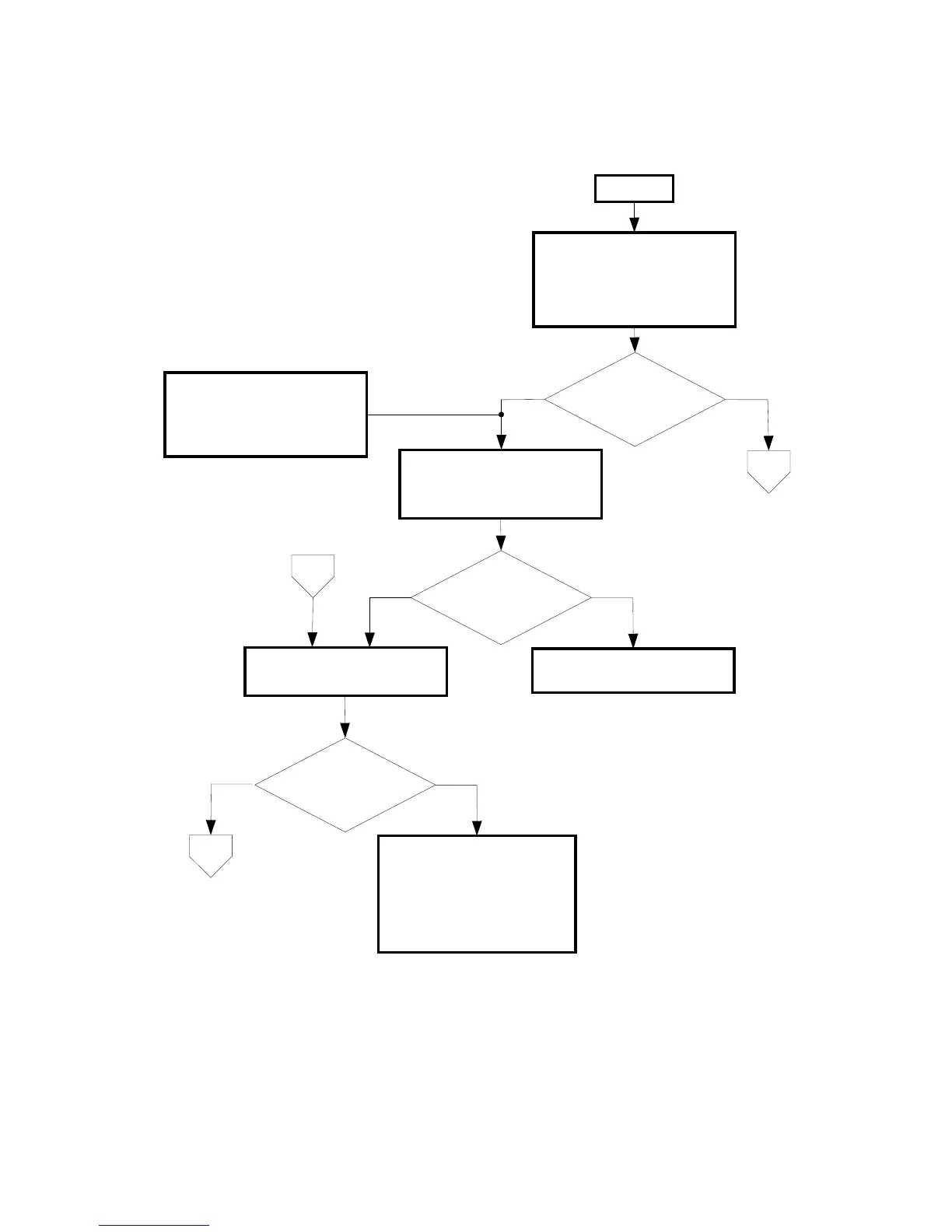
2.3 Fax Troubleshooting
2.3.1 FIP at Installation/Relocation
NoYes
- Disconnect all devices other
than the fax machine.
- Is the line provided with a call
screening service for blocking
unwanted calls, etc?
No
Yes
Manually dial any local phone
number (e.g. time service)
using touch tone, pulse 20PPM,
and pulse 10PPM in this order.
- Confirm that the line is not an
ISDN/xDSL/IP phone line but an
analog telephone line.
- If no dial tone is present at off
hook, the line may be faulty.
Manually dial any out-of-area
phone number.
No
Yes
Check if the transmission route
consists of the lines of multiple
telephone service providers due
to carrier pre-selection or the
like.
Confirm that your line contract
supports faxing.
Request the telephone company
for a line repair.
C
B
A
START
Is the line type identified?
Connection established?
Connection established?


 To Next Page
 Loading...












