34
Connecting Your Printer
Reconfiguring the Wireless Setting
To change the wireless setting through an Ethernet or wireless connection from your computer, perform the
following.
NOTE:
To change the wireless setting through wireless connection, ensure that the wireless connection setting is completed in
"Wireless Connection" on page 30.
NOTE:
The following settings are available when the network mode is set to infrastructure in "Wireless Connection" on page 30.
1
Check the IP address of the printer.
For details about how to check the IP address of the printer, see "Verifying the IP Address" on page 45.
2
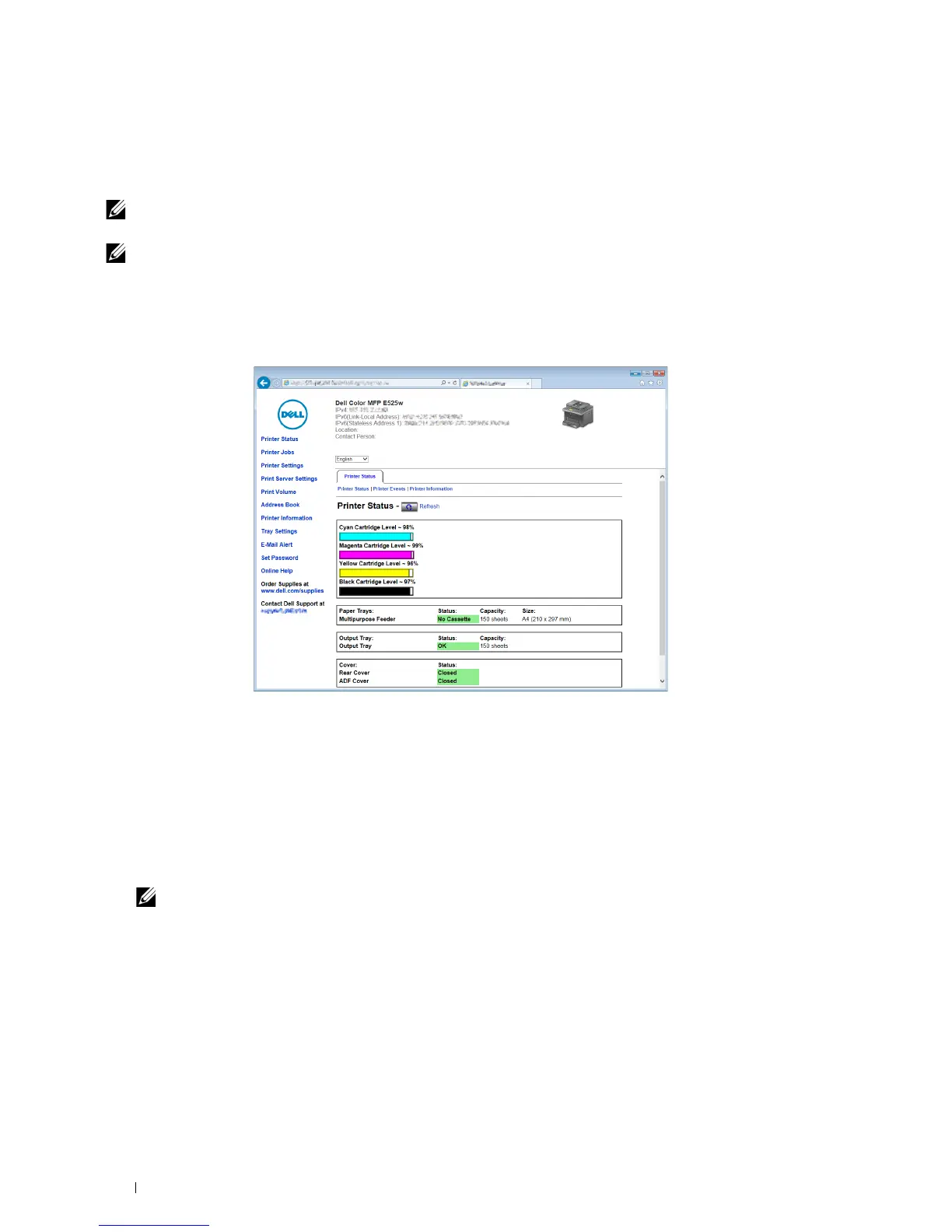
Launch the
Dell Printer Configuration Web Tool
by entering the IP address of the printer in your web browser.
3
Click
Print Server Settings
.
4
Click the
Print Server Settings
tab.
5
Click
Wireless LAN
.
6
Change the wireless setting of the printer.
7
Click
Apply New Settings
.
8
Click
Restart Printer
.
9
Change the wireless settings on your computer or access point accordingly.
NOTE:
To change the wireless settings on your computer, refer to the manuals provided with the wireless adapter or if
your computer provides a wireless adapter tool, change the wireless settings using that tool.


 To Next Page
 Loading...









