Using Your Projector 27
INPUT SELECT
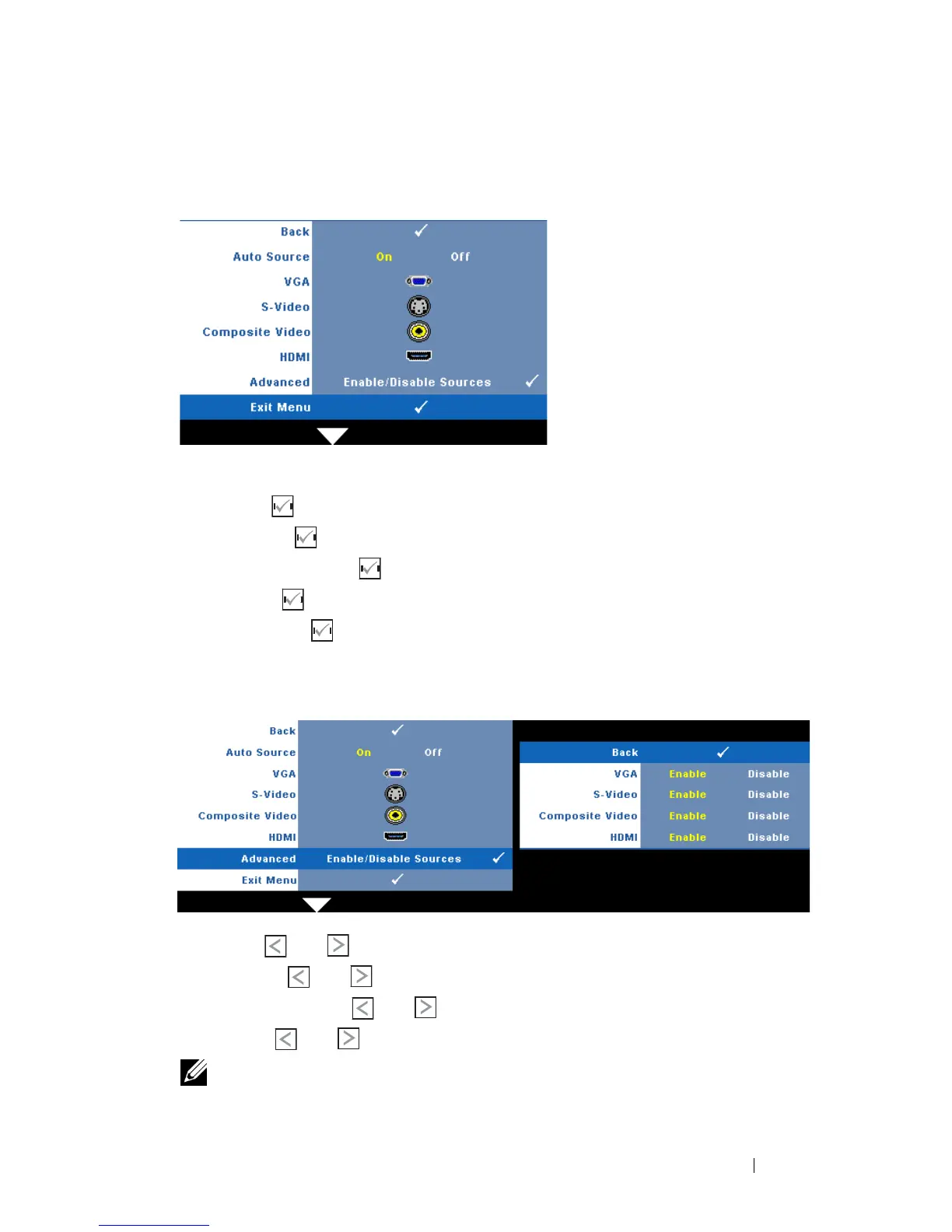
The Input Select menu allows you to select your projector’s input source.
A
UTO SOURCE—Select Off (the
default) to lock the current
input signal. If you press the
Source button when the Auto
Source mode is set to Off, you
can manually select the input
signal. Select On to auto detect
the available input signals. If
you press the Source button
when the projector is on, it
automatically finds the next
available input signal.
VGA—Press to detect VGA signal.
S-V
IDEO—Press to detect S-Video signal.
C
OMPOSITE VIDEO—Press to detect Composite Video signal.
HDMI—Press to detect HDMI signal.
A
DVANCED—Press to activate Input Select Advanced menu.
INPUT SELECT ADVANCED
The Input Select Advanced menu allows you to enable or disable input sources.
VGA—Use and to enable or disable VGA input.
S-V
IDEO—Use and to enable or disable S-Video input.
C
OMPOSITE VIDEO—Use and to enable or disable Composite Video input.
HDMI—Use and to enable or disable HDMI input.
NOTE: You cannot disable your current input source. At anytime, a minimum of
two input sources have to be enabled.


 To Next Page
 Loading...













