1
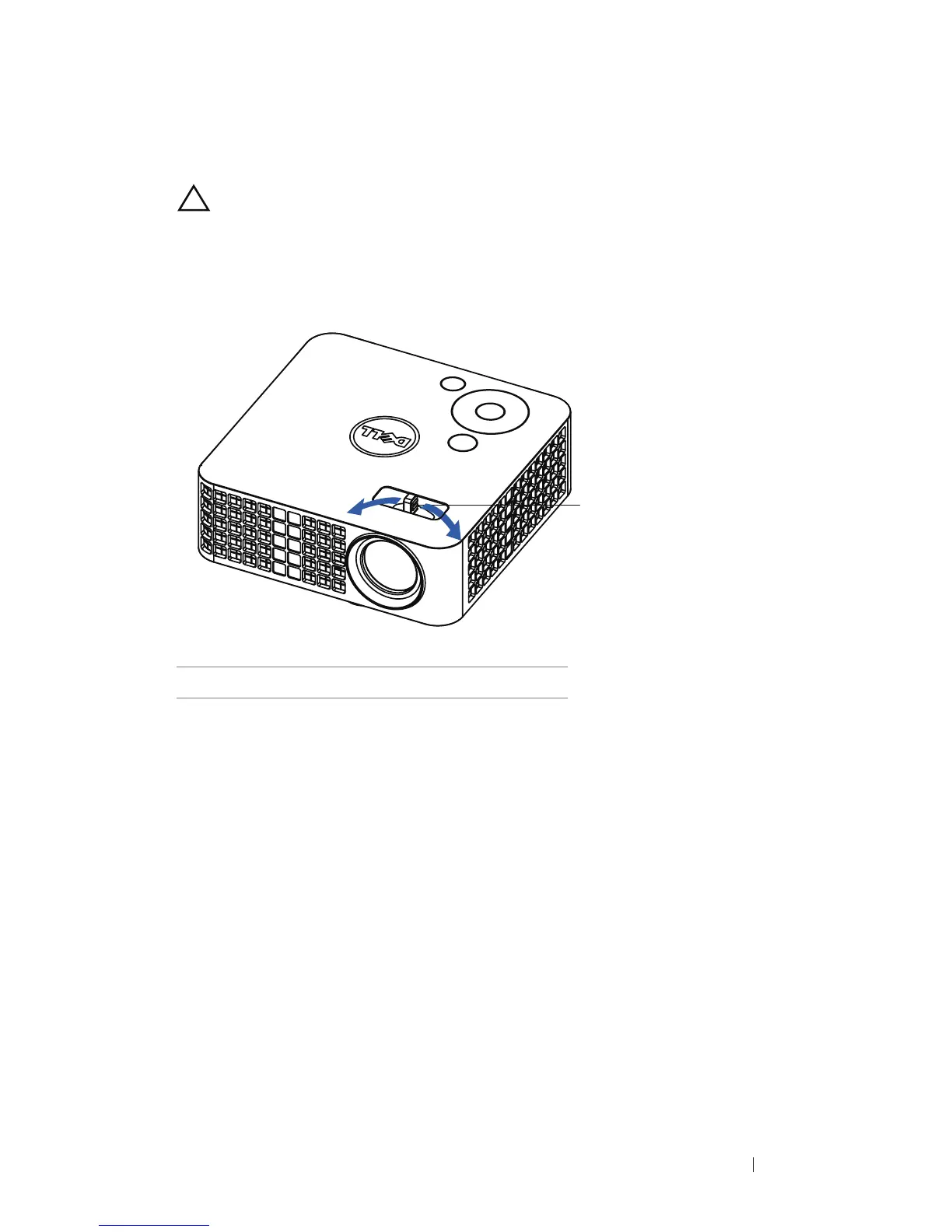
Adjusting the Projector Focus
CAUTION: To avoid damaging the projector, ensure that the front
adjustment wheel is fully retracted before moving the projector or
placing the projector in its carrying case.
1
Rotate the focus tab until the image is clear. The projector focuses at
distances ranging between 3.18 ft to 8.48 ft (97 cm to 258 cm).
1Focus tab
Using Your Projector 17


 To Next Page
 Loading...












