26 Connecting Your Projector
Connecting to Local Area Network
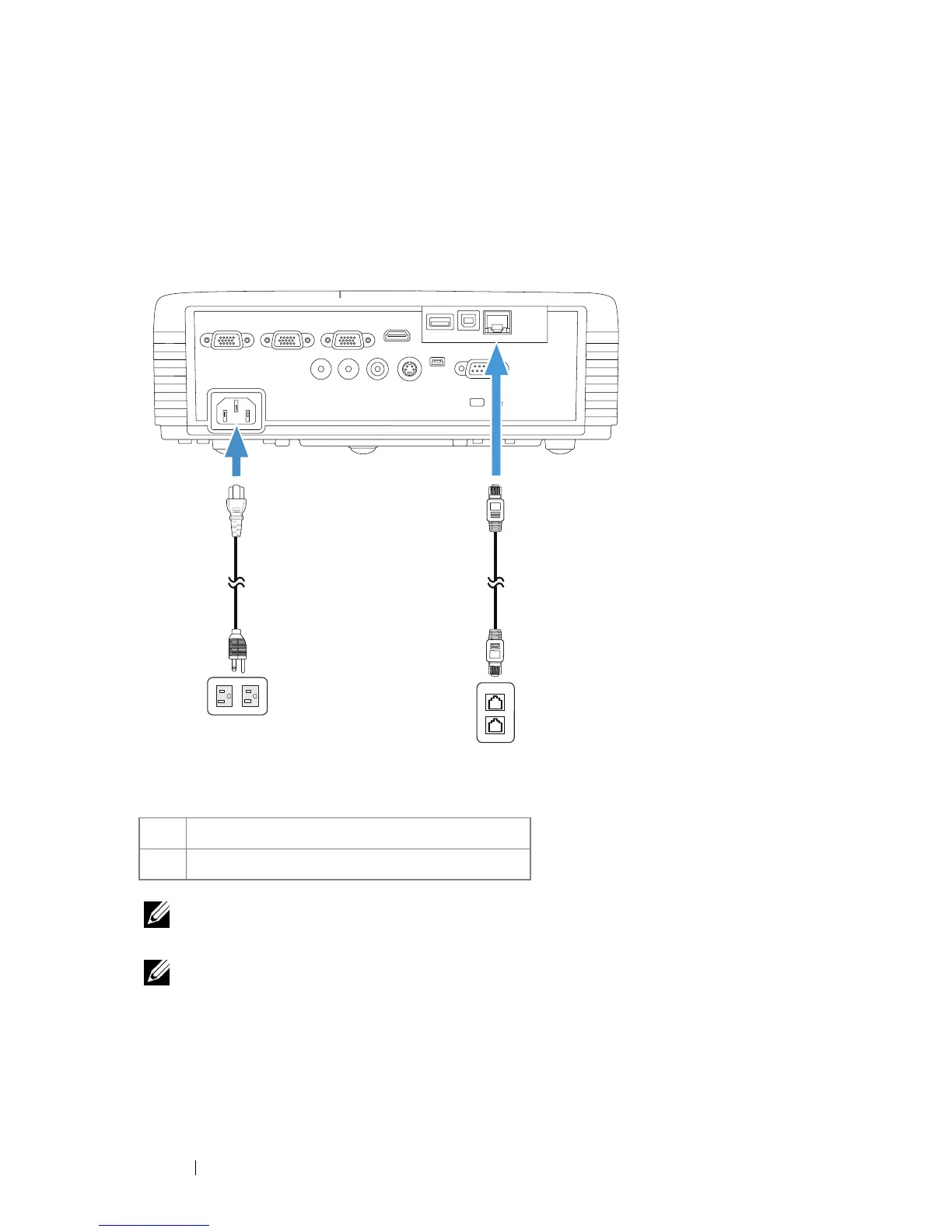
To project an image and control the projector that is connected to a
network through a RJ45 cable.
NOTE: The RJ45 cable is not shipped with your projector. You can purchase the
RJ45 cable on the Dell website at www.dell.com.
NOTE: LAN module kit is not shipped with your S320 projector. If you want to
use the network option, see"Installing the Optional RJ45 Kit" on page 16. You
can purchase it on the Dell website at www.dell.com.
1 Power cord
2 RJ45 cable
VGA-A INVGA-OUT VGA-B IN HDMI
Audio-In
Audio-Out
Composite S-Video
Mini-USB
RS232
RJ45
DOUSBUSB-A
1 2
Local Area Network (LAN)



 To Next Page
 Loading...













