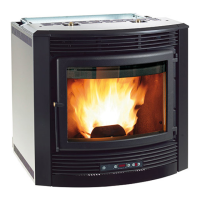
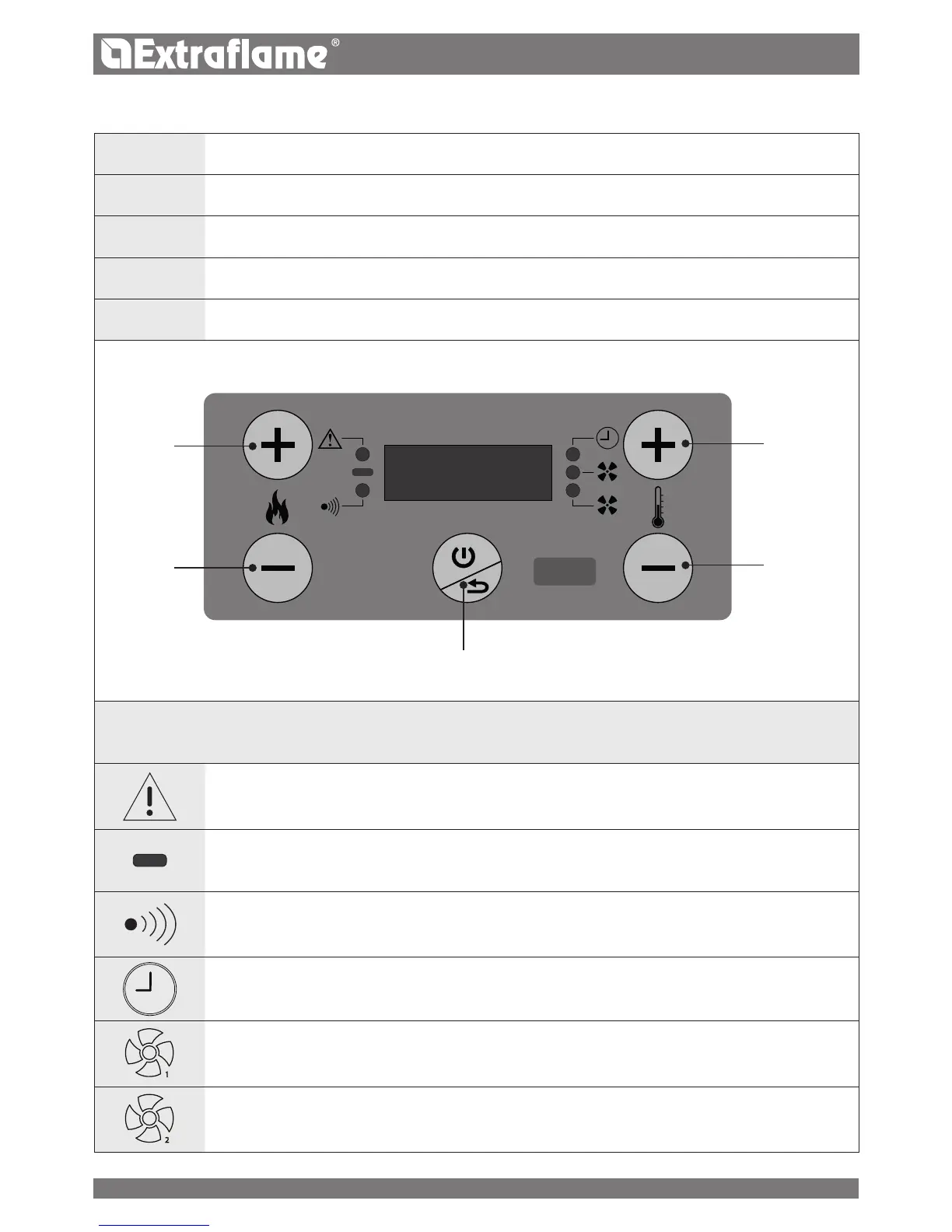
THE DISPLAY DESCRIPTION OF BASIC COMMANDS AND SYMBOLS
1
ON/OFF BUTTON
2
INCREASE SET POWER
3
DECREASE SET POWER
4
INCREASE SET THERMOSTAT
5
DECREASE SET THERMOSTAT
2
1
1
2
3
4
5
DISPLAY ICONS KEY
Indicates the presence of an alarm.
On: indicates the presence of an alarm.
O: indicates there are no alarms
Flashing: re door or pellet hopper open
Indicates the set temperature status
LED on: the stove is reaching the set temperature (room temperature still lower than set temperature)
LED o: the stove has reached the set temperature
Indicates communication by remote control
LED on: communication received by multi-purpose remote control
Indicates weekly programming operation
Light on = weekly programming active
Light o = weekly programming disabled
Flashing light = “delayed switch-o” function enabled
1
Indicates the tangential fan status
Light o = motor deactivated
Light on = motor activated
2
Not used


 To Next Page
 Loading...