Page 14
SMILE VDSSMILE VDS
SMILE VDSSMILE VDS
SMILE VDS
SMILE VDSSMILE VDS
SMILE VDSSMILE VDS
SMILE VDS
PROGRAMMING THE SMILE MONITOR
Option 1: from Panel + Monitor
The monitor will not function until it has been programmed!
There are two monitor programming options:
Option 1: from Panel + Monitor
Option 2: from the Monitor.
Notes:
- The wildcard button
blinking (red) indicates that the monitor has not been programmed.
When the monitor has not been programmed.
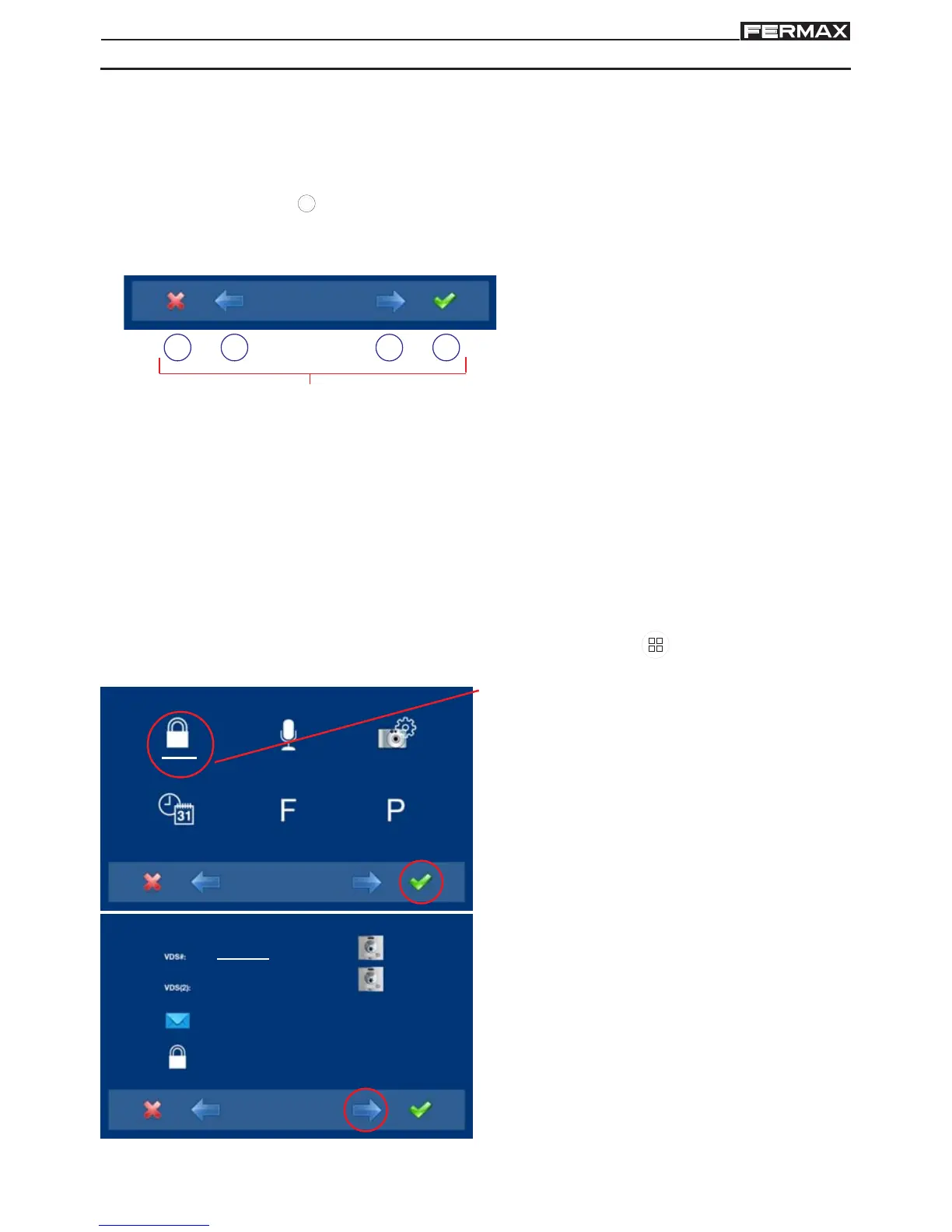
The icons viewed on the screen
(navigation buttons: , , and ), are
managed with the corresponding
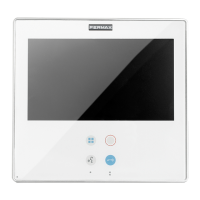
capacitive buttons located on the monitor
capacitive buttons
Navigation buttons
: Return to the previous screen or stand-by.
: Select the previous menu option.
: Mark the following menu option.
: Confirm the selection and activate the function.
- Navigation buttons and capacitive buttons
2. The administrator code option is selected
as default (white line under the icon).
Press . The following screen will appear
1. Access the ADMINISTRATOR menu Press "Menu" for 3 seconds.
. The following screen
appears
_ _ _
_ _ _
2222
4444
3. In order to select programming from the
panel, select the panel from the VDS # line
with the right arrow.



 To Next Page
 Loading...