3. ADJUSTMENTS
3-20
Use this menu as follows:
1. Set a longer time at [TRIAL TIME].
2. Set [ON] at [EXPORT].
3. Press X key to start ship’s speed measurement. If a USB device is connected to
the distributor unit, exporting measurement result to a USB device begins.
4. Press W key to stop ship’s speed measurement. Record the average ship’s speed
shown. If a USB device is connected to the distributor unit, exporting is stopped.
3.6 [DS-8510 DATA]/[DS-8520 DATA] sub menu
These menus are for serviceman only. Contact your local dealer for details.
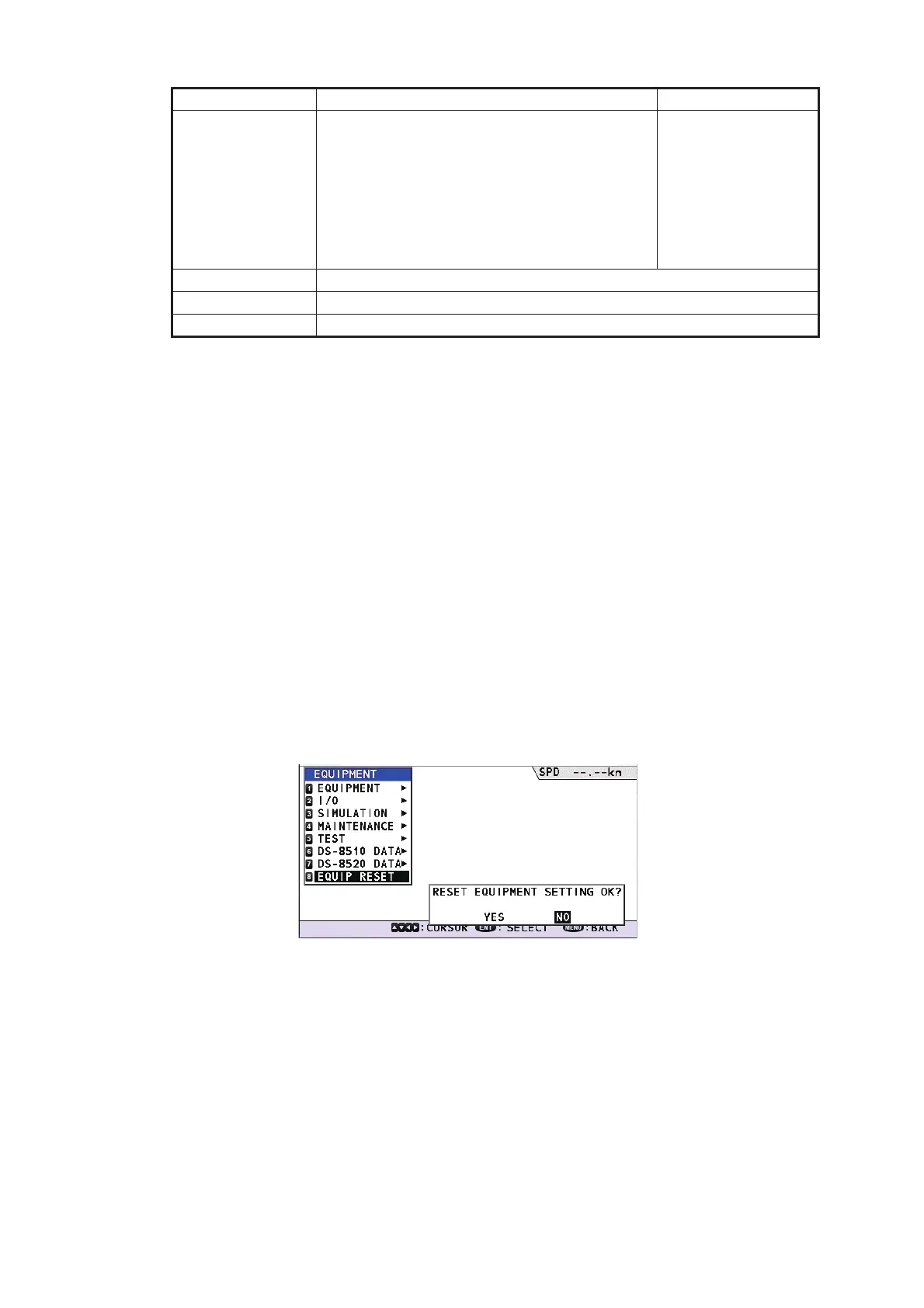
3.7 [EQUIP RESET] sub menu
This menu can reset the all [EQUIPMENT] menu settings. On the main menu, select
[EQUIPMENT] →[EQUIP RESET] to show the confirmation message below.
Select [YES] on the confirmation message to reset all settings of the [EQUIPMENT]
menu.
3.8 How to Set SFI
Open the [SERVICE] menu then set own SFI.
1. Select the [SERVICE] menu on the main menu. To open the [SERVICE] menu,
the password is required. For the password, ask our service man.
[SPEED] or
[SPEED (AVER-
AGE)]
[SPEED]: Ship’s speed at that moment during
measurement
[SPEED (AVERAGE)]: Average ship’s speed
during measurement
The unit of measurement can be changed in
the [UNIT] menu (Main menu→[DIS-
PLAY]→[UNIT]).
[↓ 99.999] to
[↑ 99.999]
W key Stop measurement
X key Start measurement
MENU/ESC key Go back to [TEST] sub menu.
Item Meaning Range



 To Next Page
 Loading...



