14 15
Setting Date/Time and Language
The Date/Time and Language setup will automatically
appear when the camera is turned on the rst time.
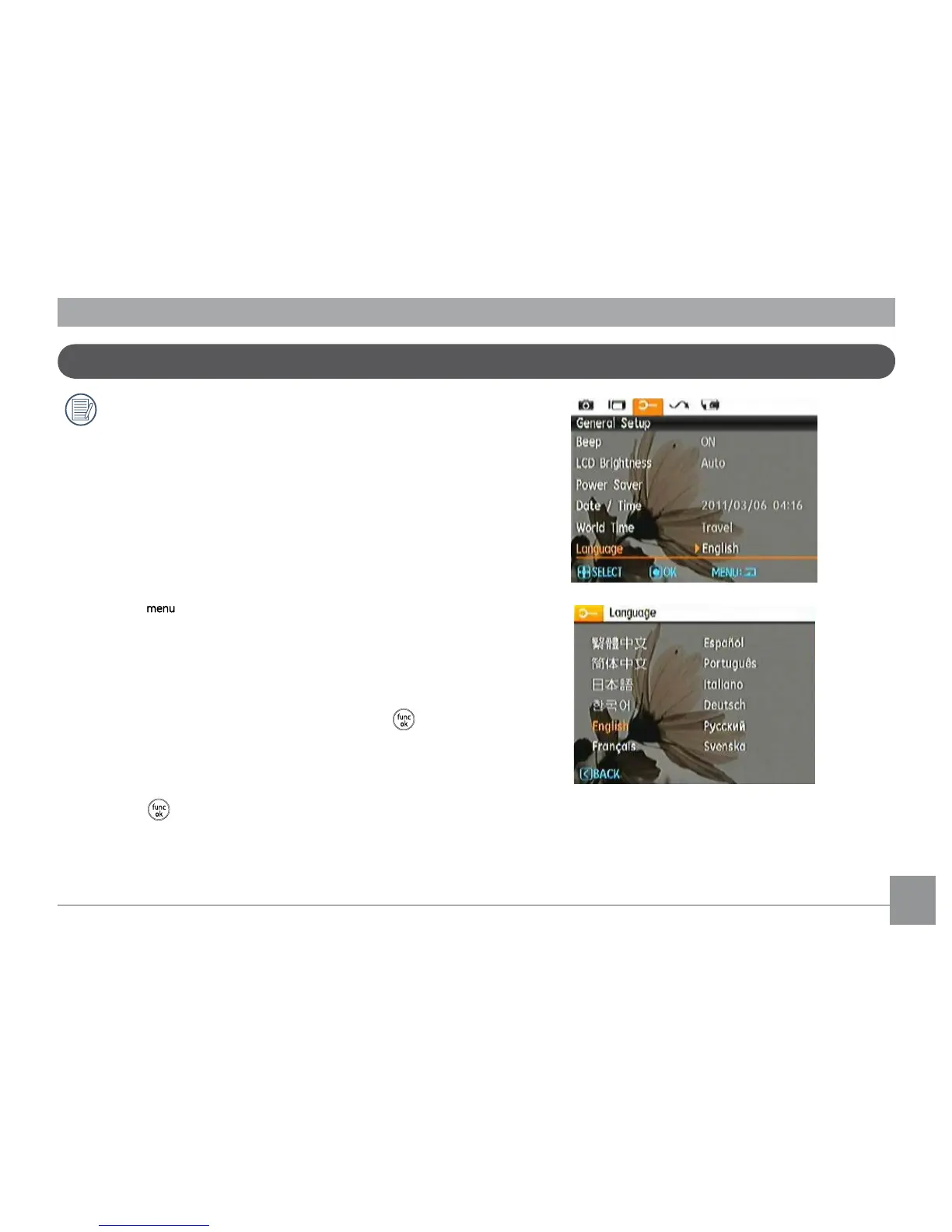
To set the display language, date, and time, go to the following
setup options in the General Setup menu.
• Language
• Date / Time
To access the Setup menu, do the following:
1. Press
Power to turn the camera on.
2. Press the
button, navigate through the camera
menus by using the Left/Right button to select the General
Setup menu.
Setting the Language
1. Select language with the Up/Down button, press
or
right button to enter setting.
2. Use the
Up/Down/Left/Right buttons to select the
desired language.
3. Press the
button to conrm the setting.


 To Next Page
 Loading...










