EasyManua.ls Logo

GLW CS 60 - Malfunction and Troubleshooting; Common Stripping Malfunctions

GLW CS 60
Print Icon
To Next Page IconTo Next Page
To Previous Page IconTo Previous Page
Loading...
MALFUNCTION
08/2012 16
Display
Malfunction/Message
Troubleshooting
Cable slides through the
clamping jaws during
stripping.
1. Clamping jaws are dirty and have to be
cleaned.
2. Clamping jaws are worn and have to be
replaced.
3. The cable is unsuitable.
Blades do not cut in
properly.
1. Check settings on display.
2. Blades are blunt and have to be replaced.
3. The cable is unsuitable.
Blade no longer opens.
1. Carefully slide back the blades using a flat
instrument. The blades have to snap
smoothly back into place. Pay attention not
to press on the cutting edge.
If the blades cannot be slid back easily, the
blades have to be detached as when
changing the blades.
Remove any residual material from the
stripping area.

No display
1. No power supply
2. Check fuse and replace if necessary.
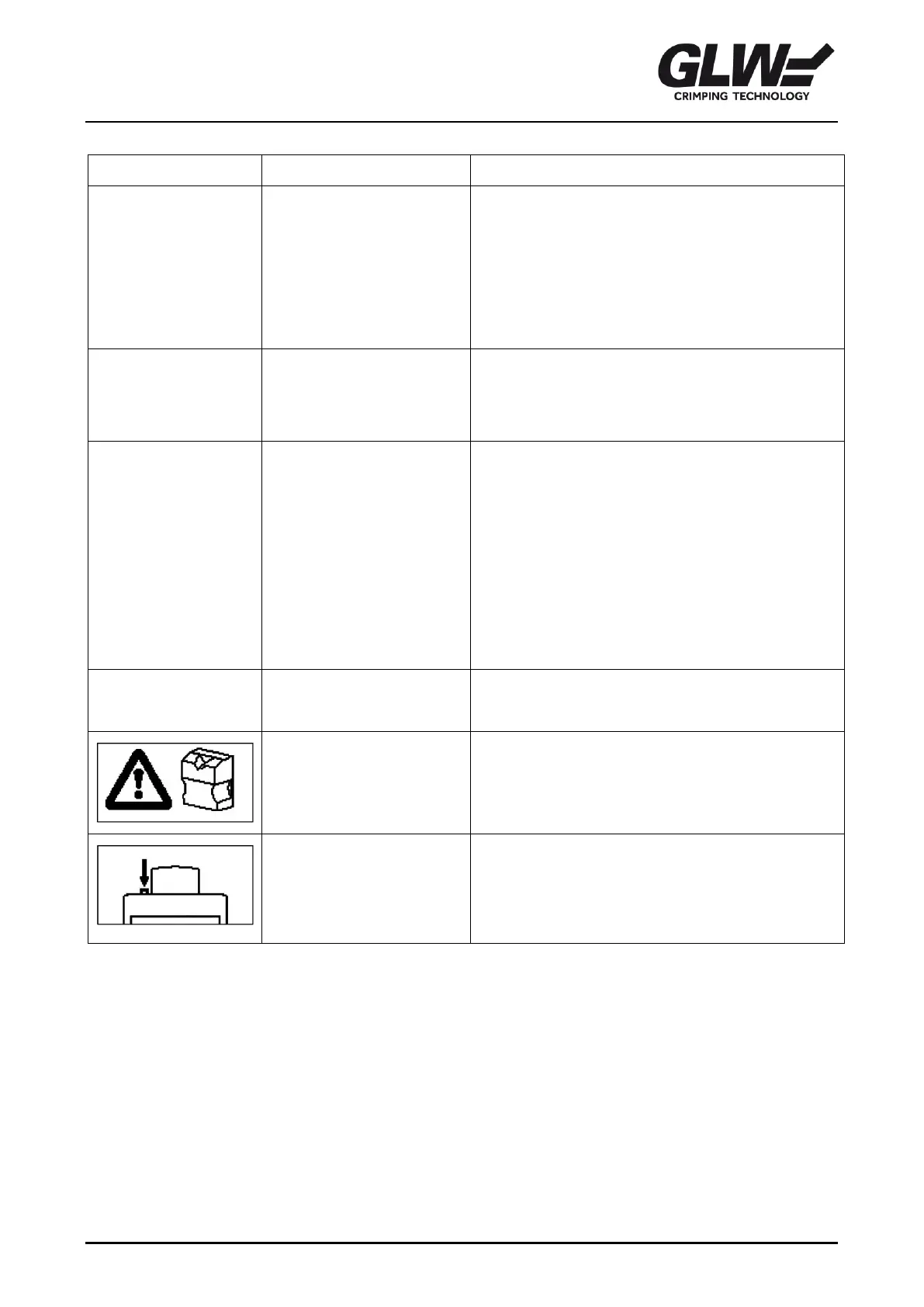
Waste tray is missing,
working area is not
protected.
1. Attach waste tray.
Button has to be
pressed. Please note!
Stripper starts
movement in the initial
position.