Main Control Features
Sound
Picture
Install
Features
Picture format
Features
Main Control
Picture format 2
4:3
Picture format
Full screen
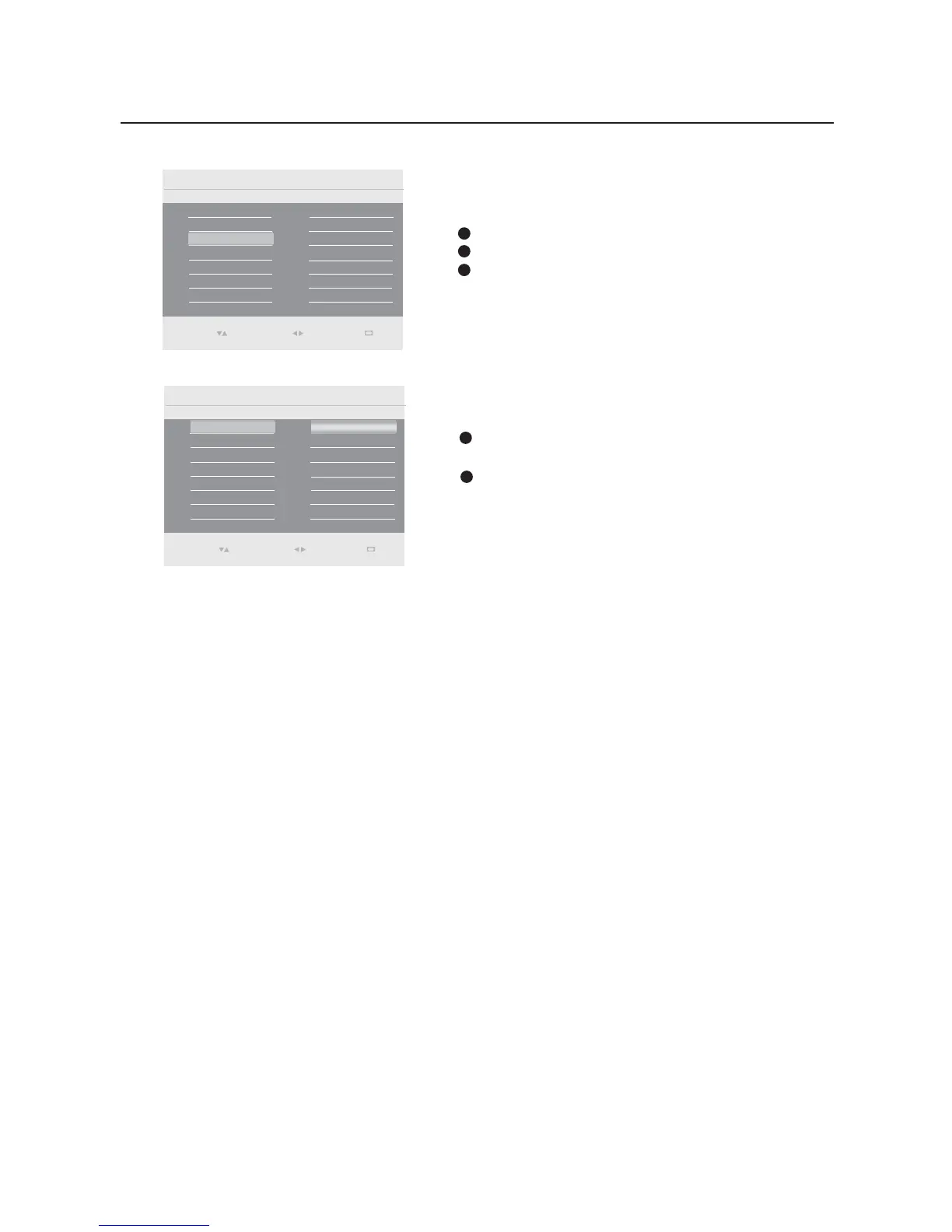
Features menu
Select Features in the settings menu.
Press the cursor right to enter it.
Press the cursor right to enter the selection.
1
2
3
Picture format
Select Picture format in the Features menu and press
the cursor right to enter it.
You also can press the Picture format button on the
remote control repeatedly to toggle between Full screen
(16:9) and 4:3 format.
1
2
Select
Enter
0(18
Exit
Select
Enter
0(18
Exit


 To Next Page
 Loading...