Viewing the call log
The call log is displayed above the dialler. Missed calls are displayed in red.
Adding a number from the call log
Select a number from the call log and save it to your contacts.
1 Open Dialler.
2 In the call log, touch the icon next to the number you want to add and do the following:
l Touch to create a new contact. For more information, see Creating a contact.
l Touch to add the number to an existing contact.
Clearing the call log
Open Dialler. You can:
l Delete one entry: Touch and hold a log entry, then touch Delete entry.
l Delete multiple entries: Touch > Delete call log and select the entries you want to
delete. Touch > Delete.
Turning on pocket mode
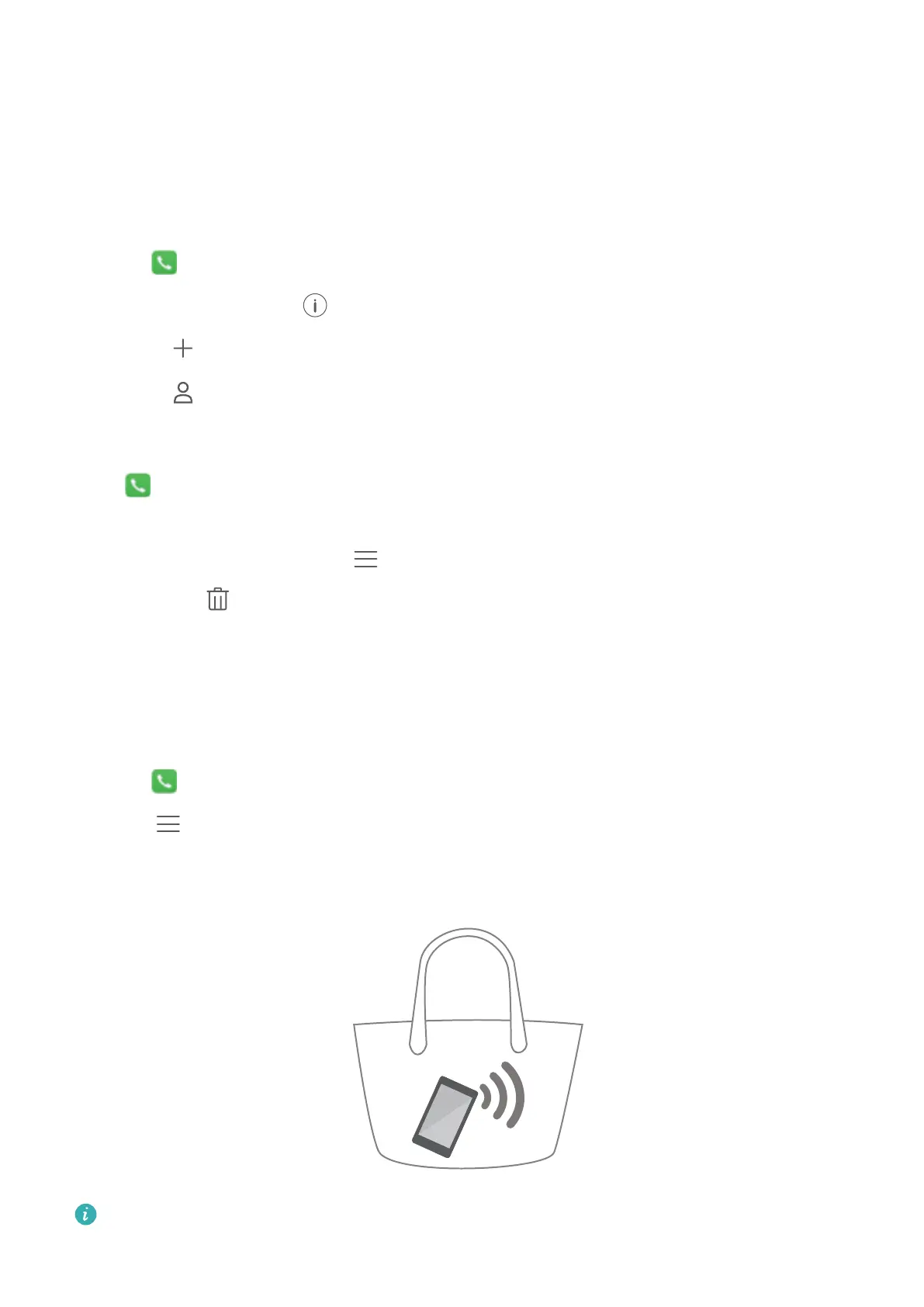
Enable pocket mode to make sure you don't miss calls when your phone is in your pocket. The
ringtone volume and vibration intensity will gradually increase when you receive a call.
1 Open Dialler.
2 Touch
> Settings.
3 Turn on the Pocket mode switch.
Your phone will vibrate for incoming calls when it is facing downwards or in your pocket,
even if incoming call vibrations are disabled.
Calls and Contacts
43


 To Next Page
 Loading...