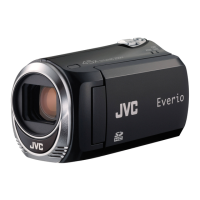
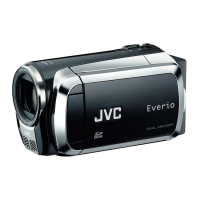
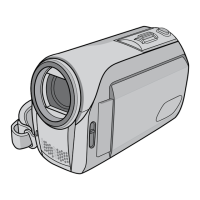
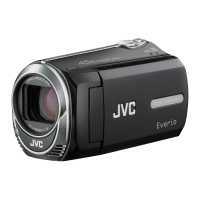
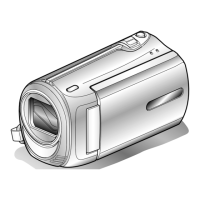
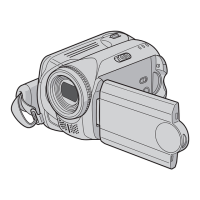
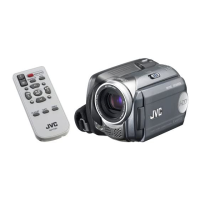
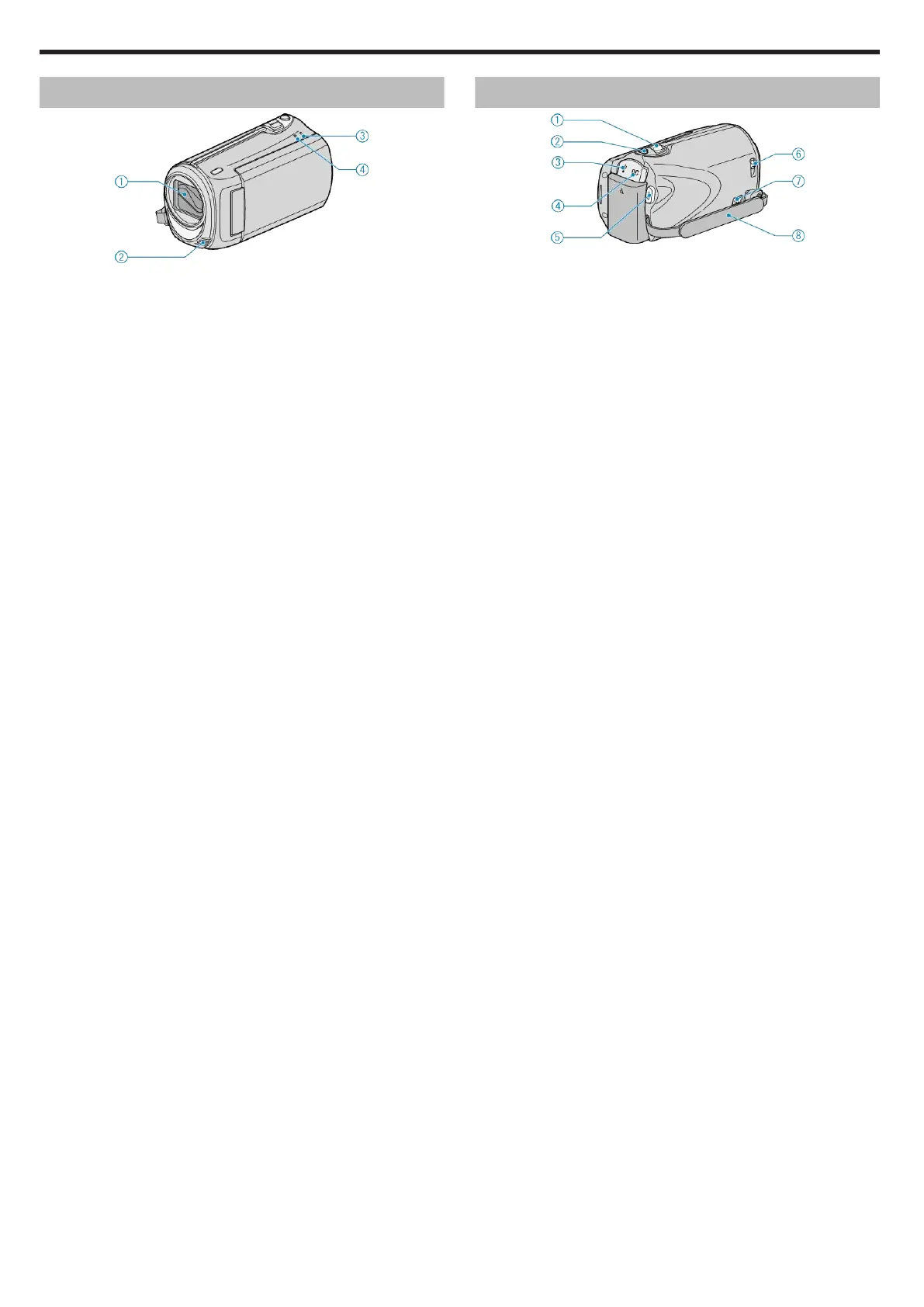
Front
.
1
Lens/Lens Cover
●
Do not touch the lens and lens cover.
2
Monaural Microphone
●
Do not cover the microphone with your fingers during video recording.
3
POWER/CHARGE Lamp
●
Lights up: Power "ON"
●
Blinks: Charging in progress
●
Goes out: Charging finished
4
ACCESS Lamp
●
Recording or playback is in progress when the lamp lights up or blinks.
Do not remove the battery pack, AC adapter, or SD card.
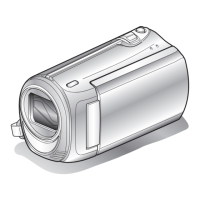
Rear
.
1
ZOOM/SELECT Lever
●
During shooting: Adjusts the shooting range.
●
During playback: Performs forward search/reverse search.
●
Selects item or file from the menu or index screen.
2
OK Button
●
During playback: Starts/pauses the playback of videos.
●
Confirms the selected item or file from the menu or index screen.
3
USB Terminal
●
Connects to PC using a USB cable.
4
DC Terminal
●
Connects to an AC adapter to charge the battery.
5
START/STOP (Video recording) Button
●
During recording: Starts/stops video recording.
●
During playback: Starts/pauses the playback of videos.
6
Lens Cover Switch
●
Opens and closes the lens cover.
7
Grip Belt Release Lever
●
Allows the grip belt to be removed and used as a hand strap.
8
Grip Belt
●
Pass your hand through the grip belt to hold this unit firmly.
"Grip Adjustment" (A P.12)
Name of Parts
62


 To Next Page
 Loading...