65
CUSTOMIZINGSETTINGS
AUDIOSettings
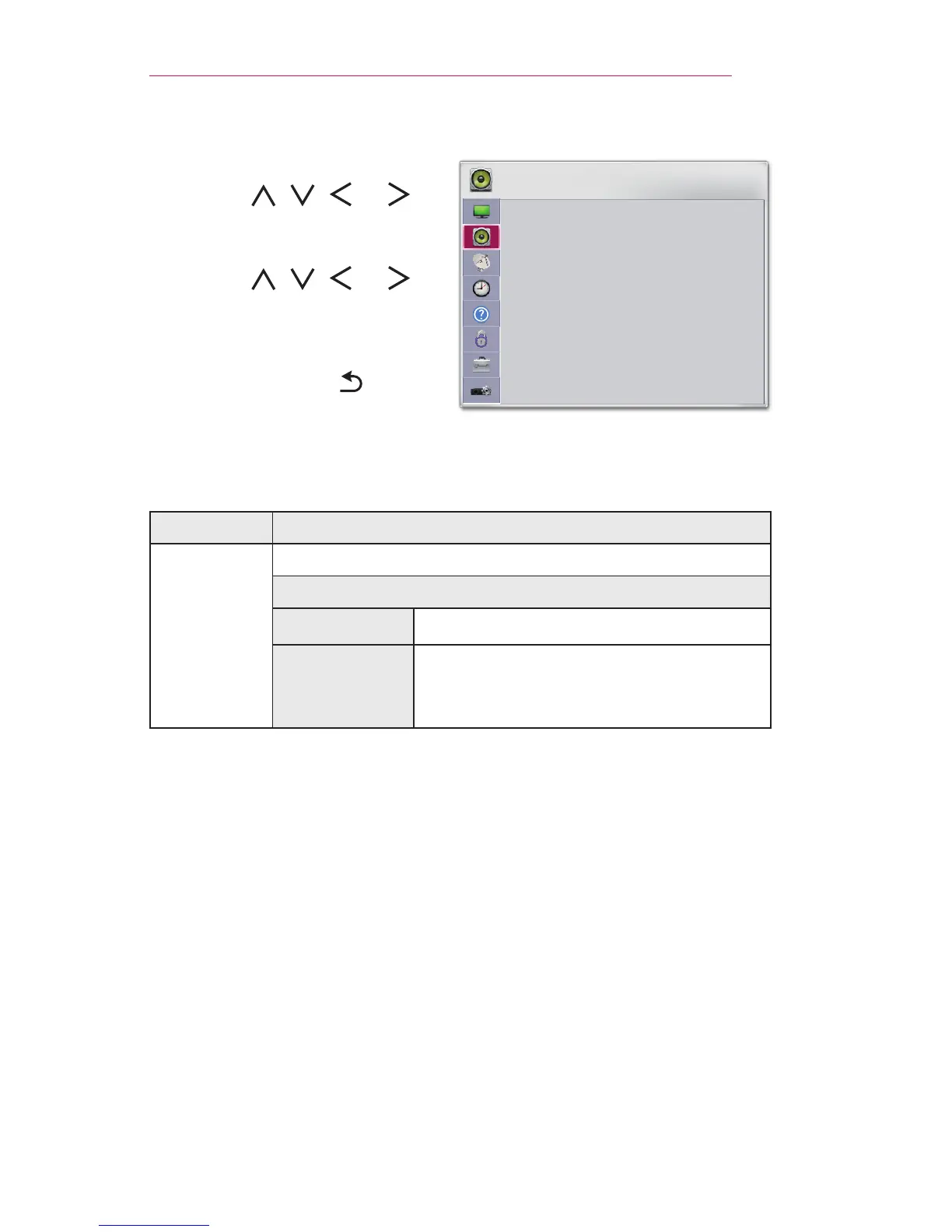
1 Press the SETTINGS button.
2 Use the , , , or
button to select AUDIO and
press the OK button.
3 Use the , , , or
button to set up the desired item
and press the OK button.
- To return to the previous
menu, press the button.
AUDIO
• Sound Mode : Standard
• Sound Effect
• Auto Volume : On
ꔂ Move ꔉ OK
The available audio settings are described as follows.
Menu Description
Sound
Mode
Sets the sound mode.
MODE
Standard Suitable for all types of video.
News/Music
/Cinema/
Sport/Game
Sets audio optimized for a specic genre.


 To Next Page
 Loading...











