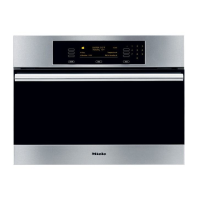
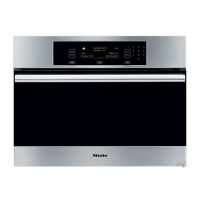
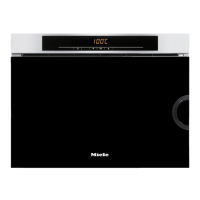
Operating sequence
^
Press and release the controls.
^
Switch the appliance on by pressing in the On/Off switch
gently.
The Main menu will appear in the display.
COOK UNIVERSAL
ALL FUNCTIONS...
COOK FISH AUTOMATIC...
COOK VEGETABLES USER PROGRAMMES...
COOK MEAT SETTINGS F...
Four functions will appear in the left-hand column. They can
be selected directly.
Alternatively, you can change this list via the Settings menu to
suit your particular preferences. (See "Changing settings -
Main menu").
Further functions can be called up via the All functions menu.
The following are available: Cook Universal, Cook Fish, Cook
Vegetables, Cook Meat, Reheat, Defrost, Descale.
Menus which have further sub-menus are displayed in the
right-hand column.
^ Turn the multi-function selector clockwise until the menu
option you want is highlighted in the display.
^
Press the multi-function selector gently to confirm your
selection.
This calls up the menu option.
When a function is selected, e.g. Cook Vegetables, the
following appears in the display:
COOK VEGETABLES 100 °C
12:15
v
Time
Duration Save
Operation
22


 To Next Page
 Loading...