Overview
Figure 2-26 Remove CRT adjustment knobs
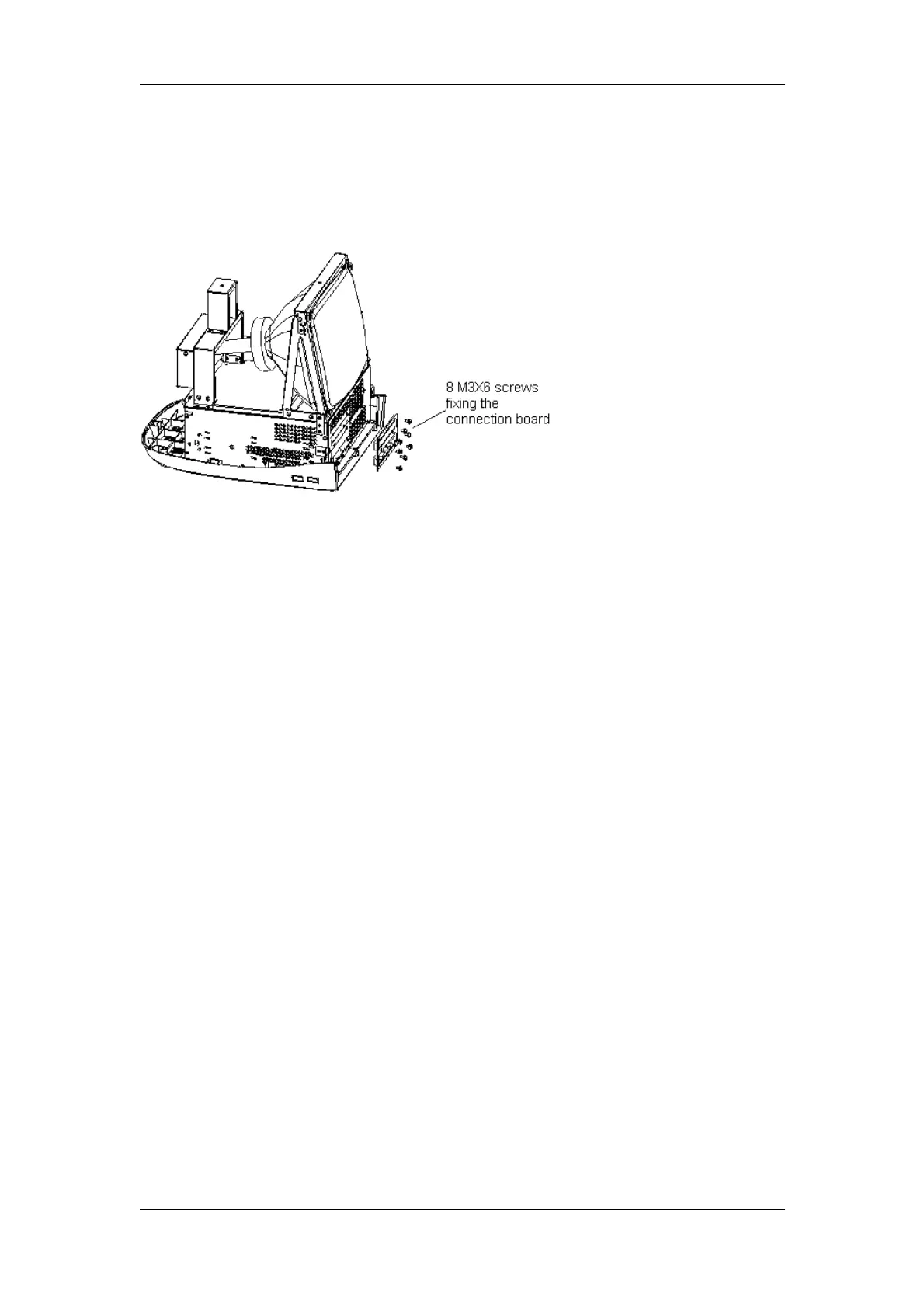
6. Remove 8 M3X6 screws fixing the connection board of the main unit, and then
remove the connection board of the main unit.
Figure 2-27 Remove the connection board of the main unit
1.4.7Disassembly of CRT screen filter
1. Slide the two screen filter buckles outward and pull them out;
2. Pull out the upper screen filter outward and uplift it, and then take it out.
2-20 DP-3300/DP-3200 Service Manual(V1.1)


 To Next Page
 Loading...