System Introduction
1-6
NO. Key Function
<27> Depth/Zoom/
Rotation
Adjust the viewing depth for display, the zoom mode, and the
arrow rotation of the ultrasound images.
<28> Cine
Switch Manual/Auto CINE review. When the 『Cine』 lamp
lights on, the system enter Manual Review mode; when the
『Cine』 lamp is off the system exits Manual Review mode.
<29> Zoom Enter the mode of amplifying the image
<30> B/M/M+B/B+B Select image mode
<31> HRev / VRev Reversal the image horizontally or vertically
<32> Gain Adjust the sensitivity of black/white images.
<33> Print Activate a printing function for a video printer connected.
<34> Freeze Freeze and unfreezes the image. If image is frozen, Output of
acoustic power is stopped.
1.2. Introduction of DP-9900Plus/DP-9900
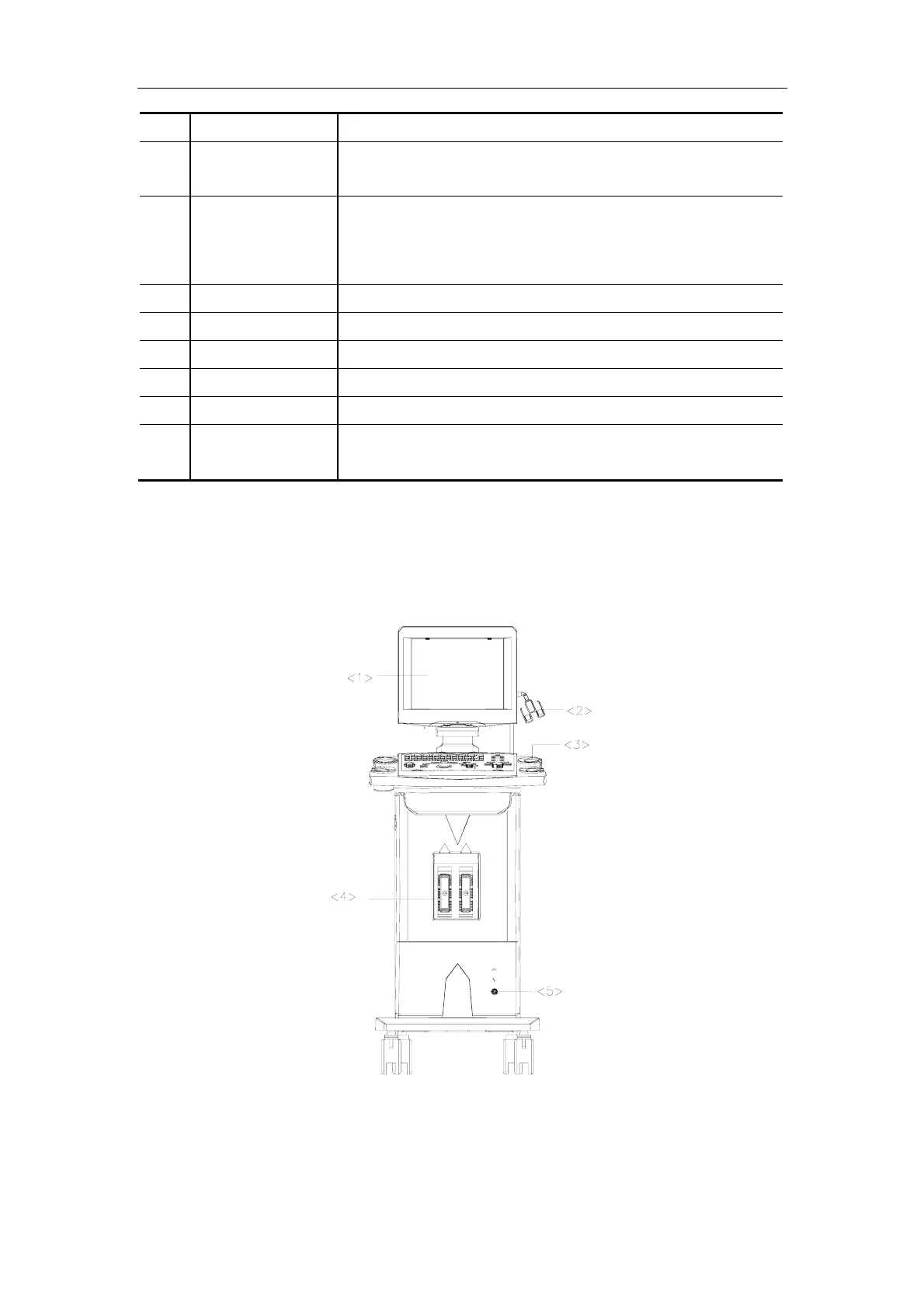
1.2.1. Appearance
Front View



 To Next Page
 Loading...



