Selecting the PIP image
O Select the number of the TV
channel you wan_ to view by
using the channel control
(CHANNEL).
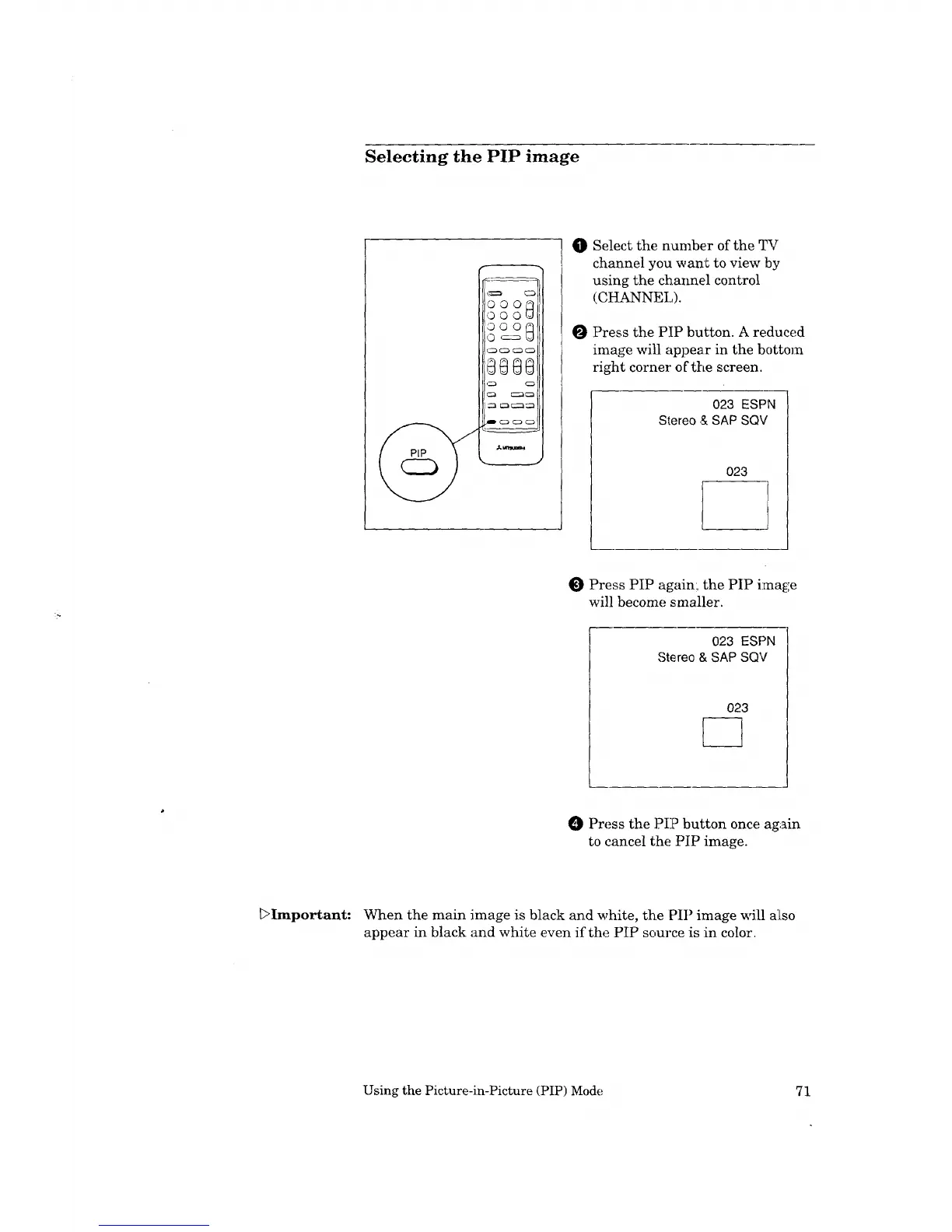
Press the PIP button. A reduced
image will appear in the bottom
right cornel" oCthe screen.
023 ESPN
Stereo & SAP SQV
023
l
Press PIP again:, the PIP i:mage
will become smaller.
023 ESPN
Stereo & SAP SQV
023
O Press the PIP button once again
to cancel the PIP image.
_>Important: When the main image is black and white, the PIP image will also
appear in black and white even if the PIP source is in color.
Using the Picture-in-Picture (PIP) Mode 71



 To Next Page
 Loading...