55
Functions That Can Be Set with the d (Menu) Button
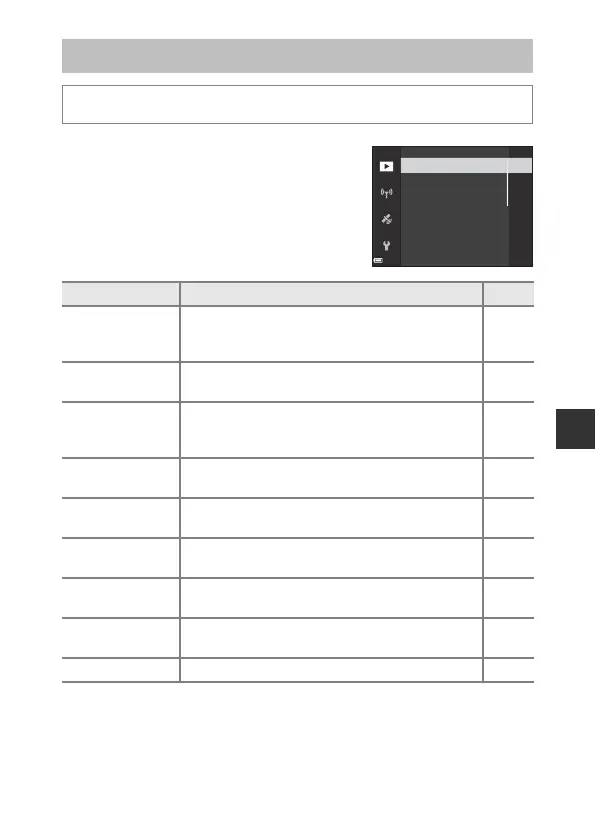
The Playback Menu
Press the c button (playback mode) M d button
Option Description A
Mark for Wi-Fi
upload
1
Allows you to select images in the camera that you
want to transfer to a smart device in advance before
transferring them.
E88
Quick retouch
2
Allows you to create retouched copies in which
contrast and saturation have been enhanced.
E27
D-Lighting
2
Allows you to create copies with enhanced
brightness and contrast, brightening dark portions
of an image.
E27
Skin softening
2
Detects faces in images and allows you to create a
copy with softer facial skin tones.
E28
Filter effects
2
Allows you to apply a variety of effects using digital
filters.
E29
Slide show
Allows you to view images in an automated slide
show.
E89
Protect
1
Allows you to protect selected images and movies
from accidental deletion.
E90
Rotate image
1
Allows you to rotate the displayed image to portrait
or landscape orientation.
E90
Small picture
2
Allows you to create a reduced-size copy of images. E30
Quick retouch
Skin softening
Filter effects
Slide show
Mark for Wi-Fi upload
D-Lighting


 To Next Page
 Loading...