32
2
Setting up your system
Syncing to send results wirelessly to the
OneTouchReveal® Mobile App
After pairing the meter with your compatible
wireless device, you are ready to send results to the
OneTouchReveal® Mobile App.
1. Open the OneTouchReveal® Mobile App on your
compatible wireless device
2. Press and hold
to turn the meter on and make sure
the BLUETOOTH® SMART feature is ON as indicated by ( )
If needed, press
and at the same time to turn the
BLUETOOTH® SMART feature on.
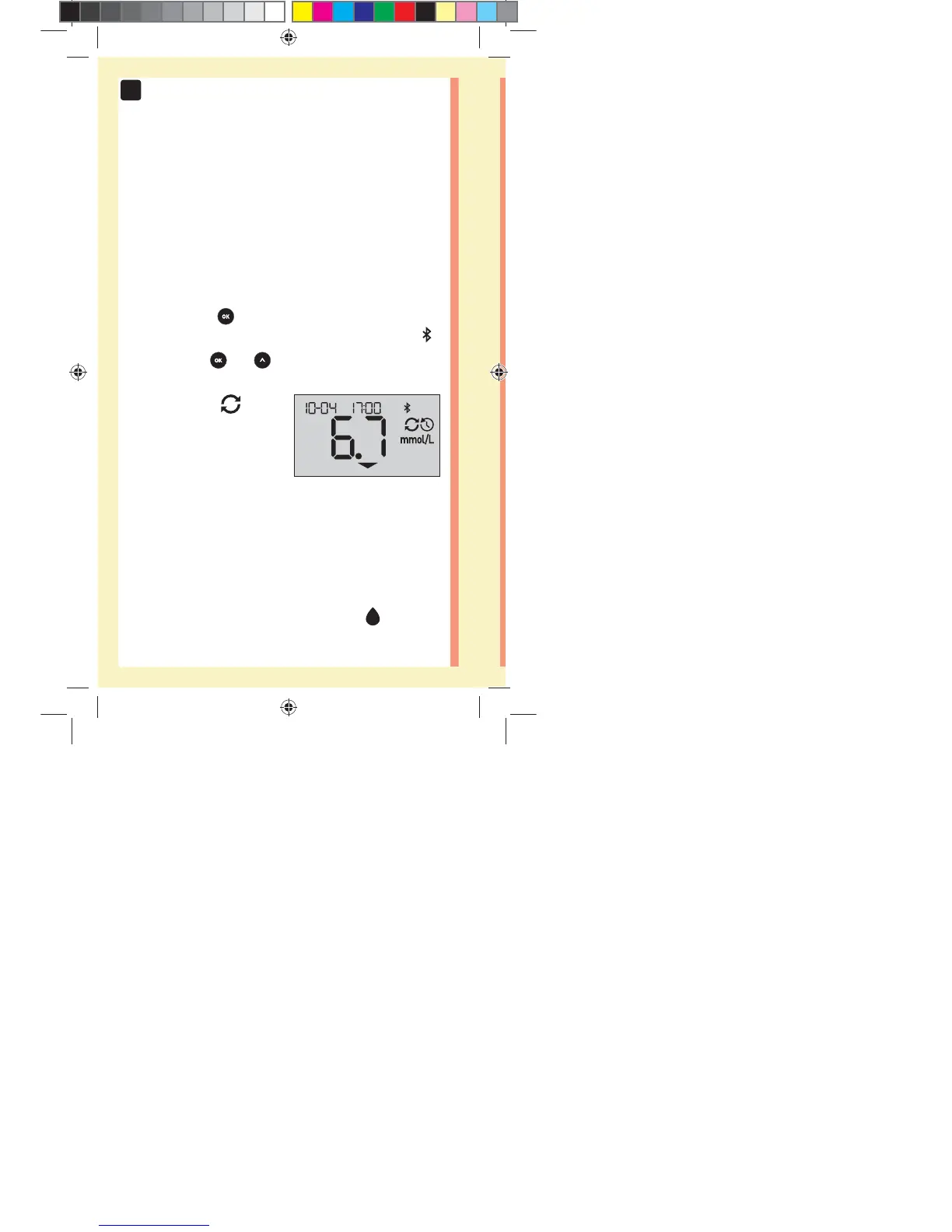
The Sync symbol (
)
flashes on the meter display.
"Syncing Data" will appear
on the app to notify you that
the meter is communicating
with the app.
Syncing Data
After syncing, the Sync symbol will disappear, the
"Syncing Data" message will disappear on the app, and
the app will display a list of any new results sent from the
meter.
NOTE: Inserting a test strip during the transmission will
cancel the transfer of all results. The flashing
symbol
appears on the screen and you can proceed with testing.
in
PF3130451Rev1_OTSPF_OB_I_GB_en_zug_R2.indd 32 3/12/15 11:35 AM
Statement of Use: Verify status before each use
Effectivity Date: Mar 18 2015 Status: Current State: Released
Type: Project File Name: 3130451 Revision: 1


 To Next Page
 Loading...