Lumiso
Pooltest
A Palintest Product
Lumiso
A Palintest Product
4
-
7-
Lumiso
Pooltest
A Palintest Product
Lumiso
A Palintest Product
:
:4
-
7-
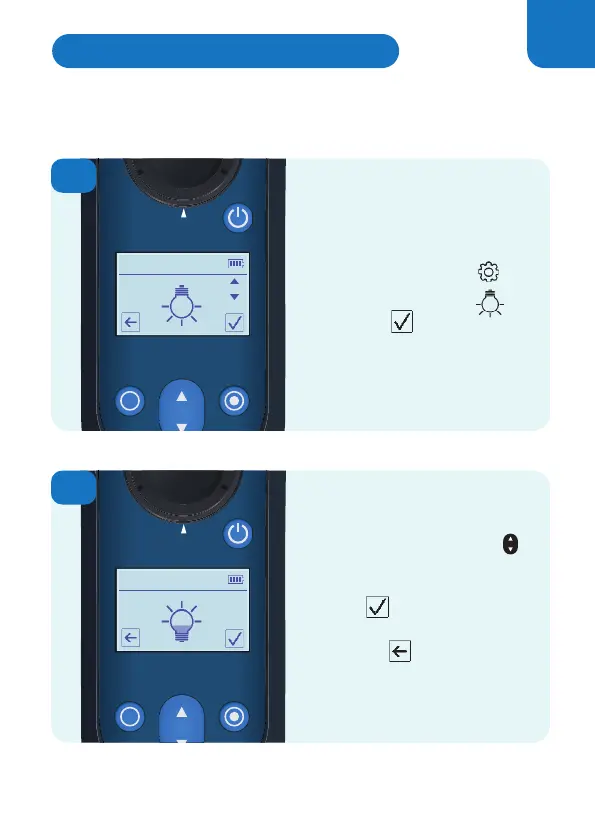
Use the up and down keys
to adjust the brightness of
the screen as required.
Confirm to save the new
setting.
Press back to exit without
making any changes.
1
2
From the Settings Menu
Select the light bulb icon
and confirm
Select the light bulb icon
Select the light bulb icon
Lumiso’s screen brightness is adjustable and there are
five levels to choose from.
Press back to exit without
Adjusting the Display Backlight
25



 To Next Page
 Loading...







