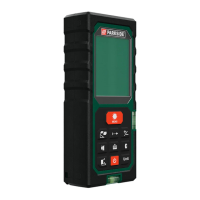
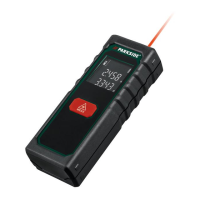
31 GB/IE/NI
height appears in the upper row
20
of the display
2
. The results of the
volume
calculation appear in the lower
row
21
.
Addition of volumes
1. Measure a volume as described in
the section “Measuring volumes“.
2. Press the M button
7
. Saving symbol
“M+“
24
will appears in the display
2
. The measured volume is saved
now.
3. Press the MODE button
4
. The
product is now ready for the second
measurement.
4.
Measure the next volume as described
in the section “Measuring volumes“.
5. Press the + / = button
12
. The symbol
addition symbol “+“
28
will appear
in the display
2
.
6. Press the RM button
10
. The result of
the first measurement is shown in the
lower row
21
of the display
2
.
7. Press the + / = button
12
again. Both
measurements are added and the


 To Next Page
 Loading...