QRS PNO
3
User Guide
QRS Music Technologies, Inc.
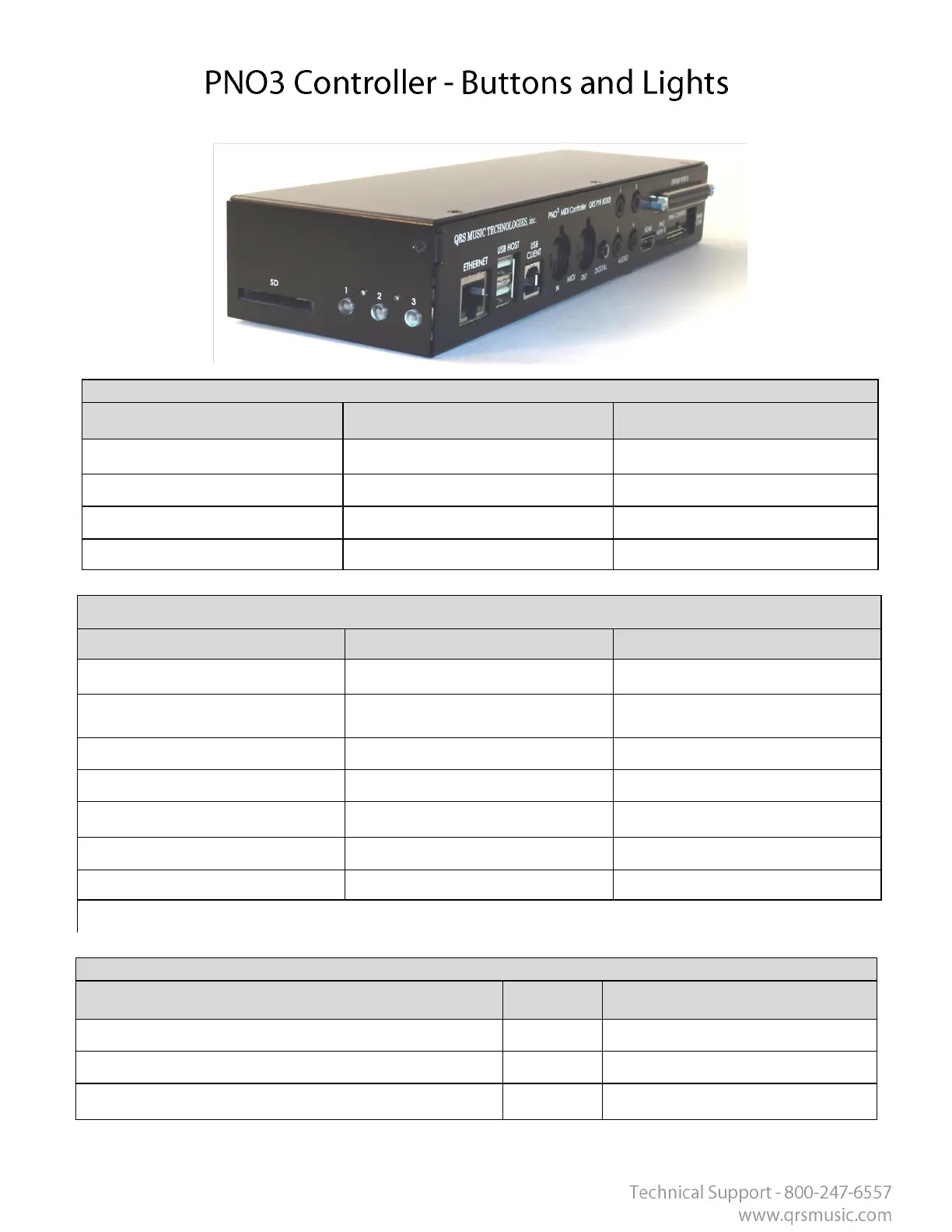
Buon/LED3
Mode Precedence Meaning
2 Flash Per Sec Network Stac IP with Connecon
1 Flash Per Sec Network Client with Connecon
Solid Standalone Server with Connecon
Off No Network Connecon
Buon/LED3 - Buon Presses
Operaon Funcon Requirement
Press (2 seconds) Announce IP Prompt
Pressed between 2 to 4 seconds
(release)
Change network mode
Hold for 8 seconds Power off unit
Press when off (to Start up) Reboot
Pressed for > 2 seconds Volume Decrease If Playing
Pressed for < 2 seconds Go to Next Track If Playing
Hold 1 and 3 on Power Up Factory Reset On Boot Up
Proc Light 3 then light 1 then you can let go
Mode Precedence Meaning
Blink 70/30 Major Error( failed soware patch?)
Rapid Flash (3 flashes per second on all.) Updang soware
Rapid Flash (3 flashes per second Scrolling through each.) Boot Up (Not Ready Yet)
All LEDs



 To Next Page
 Loading...