| 13
Q.6 Sending a Message
Your device is capable of sending and receiving E-mail, SMS, and MMS messages as long
as your device is connected to the network. Although you can send text messages (SMS)
to only mobile phone numbers, MMS messages can be sent to both mobile phone numbers
and e-mail addresses.
Compose and send a message
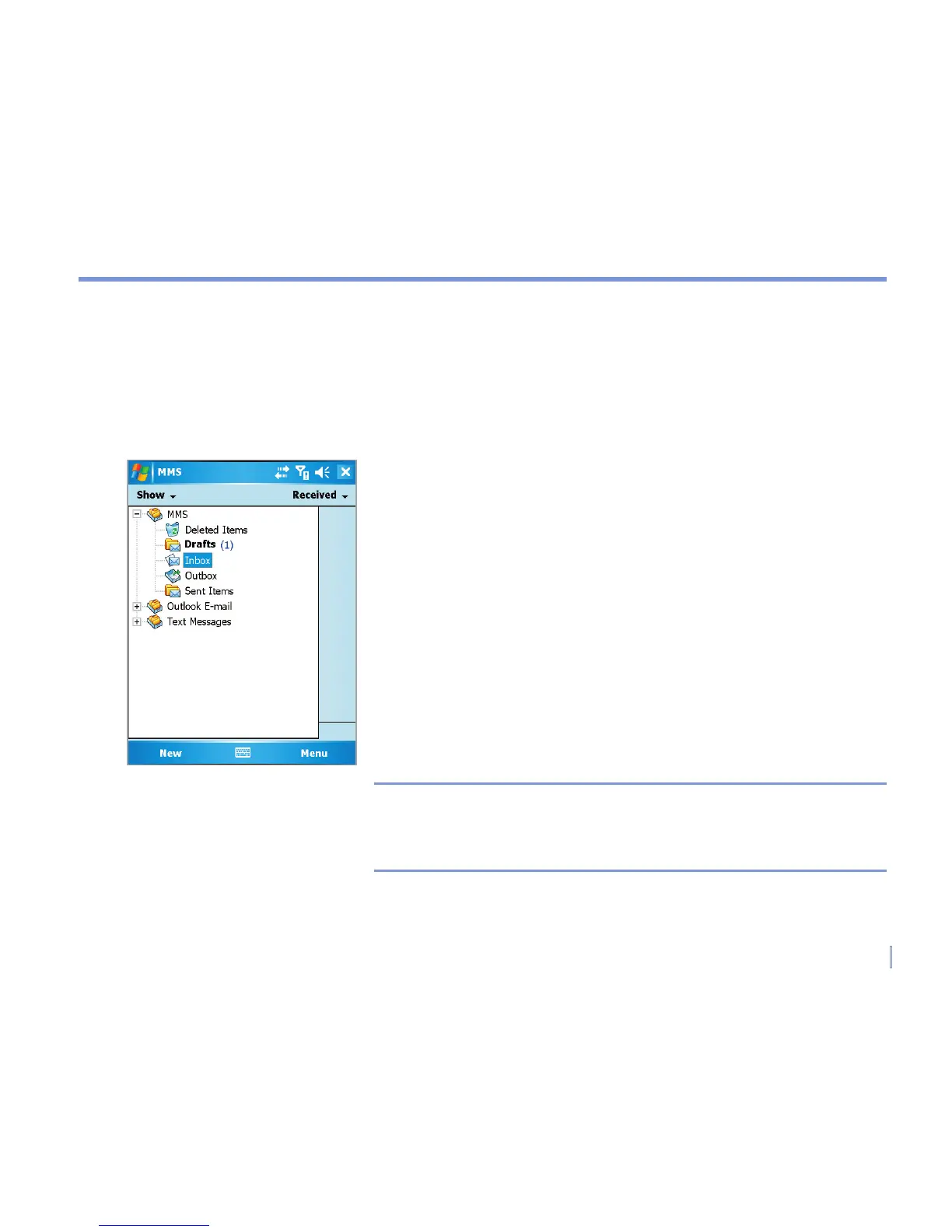
1 In the message list, tap Menu > Switch Accounts and
select an account.
2. Tap New.
3. Enter the e-mail address or text message address of one
or more recipients, separating them with a semicolon. To
access addresses and phone numbers from Contacts,
tap To.
4. Enter your message. To quickly add common messages,
tap Menu > My Text and tap a desired message.
5. To check the spelling, tap Menu > Spell Check.
6. Tap Send.
Note SMS and MMS can only be sent if the mobile is connected
to a GSM/WCDMA network. Email messages can be sent
only if the mobile has Internet access (e.g. via GSM/WCDMA
network, WiFi, USB/Bluetooth connection to computer, etc).
Sending Message


 To Next Page
 Loading...
