0
-'fJ-
0
'I#
-•-
#I'
'I#
-•-
#I'
0
0
0
Settings
104
Touch sensitivity
Increase the touch sensitivity of the screen for use with screen protectors.
◌
From Settings, tap Display > Touch sensitivity to enable.
Screen saver
You can display colors or photos when the screen turns off or while charging.
1.
From Settings, tap Display >
Screen saver.
2. Tap
to enable the feature and configure the following options:
• Colors: Tap the selector to display a changing screen of colors.
• Photo table: Display pictures in a photo table.
• Photo frame: Display pictures in a photo frame.
• Photos: Display pictures from your Google Photos account.
3. Tap Preview for a demonstration of the selected Screen saver.
TIP T
ap Settings next to a feature for additional options.
Reduce animations
Decrease certain motion effects, such as when opening apps.
◌
From Settings, tap Advanced features > Reduce animations, and tap
to
enable the feature.
Double tap to wake
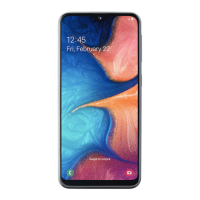
Turn on the screen by double-tapping instead of using the Power key. This is featured
on the Galaxy A20 only.
◌
From Settings, tap Advanced features > Motions and gestures > Double tap to
wake, and tap
to enable.



 To Next Page
 Loading...