0
C)
C)
0
<
James
Q
Wednesday,
May
29,
2019
433pr·
■
=@fj,d
♦
8
He
y there.
,asPM
4:35PM
Do
you want
to
have lunch on
Thursday?
• Sounds great. What time?
•as
PM
4:35PM
Let's meet at noon
+
~nter message
p,
•
(TJ
•
p,
GI
~
(I
2 3
4
5 6 7 8 9 0
I
Q
w E R T
y
u 0
p
@)
)
A s D F G H J K L
't
z X
C
V B N
M
a
!#1
Engl
ish (U
S)
...
Ill
0
V
Q
Q
Apps
71
Messages
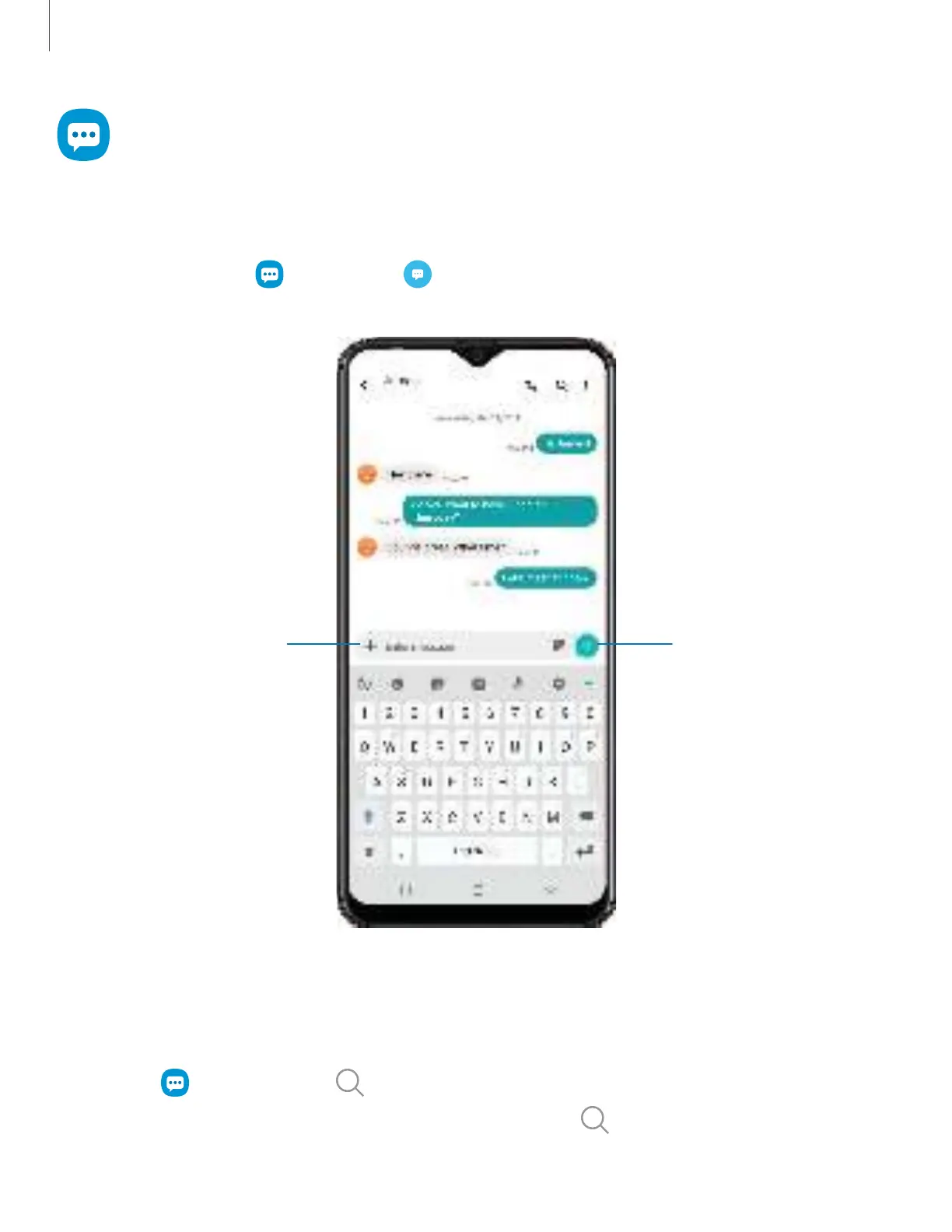
Keep in touch with your contacts by using the Messages app to share photos, send
emojis, or just say a quick hello.
◌
From Apps, tap Messages > Compose.
Send messageAdd attachment
Devices and software are constantly evolving — the illustrations you see here are for reference only.
Message search
To quickly locate a message, use the search feature.
1.
From Messages,
tap Search.
2.
Enter keywords in the Search field, and then tap Search on the keyboard.


 To Next Page
 Loading...