Shooting options
43
Changing the camera’s focus
Learn how to adjust the camera's focus.
Using auto focus
To take sharp photos, select the appropriate focus according to
your distance from the subject.
1
In Shooting mode, press [ ].
Normal (AF)
2
Select an option.
Option Description
Normal (AF): Focus on a subject farther than 31 in. (80 cm)
from the camera. Farther than 39 in. (100 cm) when using
the zoom.
Macro: Focus on a subject 2 to 32 in. (5 - 80 cm) from
the camera.
Auto Macro: Automatically focus on a subject farther
than 2 in. (5 cm). Farther than 39 in. (100 cm) when
using the zoom.
The options may differ depending on the shooting mode.
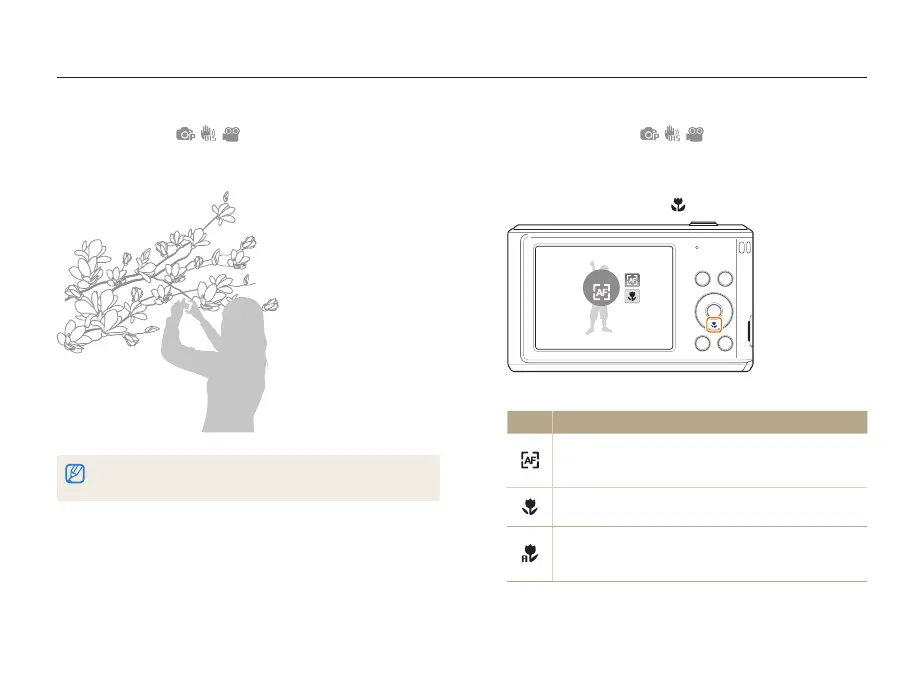
Using macro
Use macro to take close-up photos of subjects, such as flowers
or insects. Refer to macro options in “Using auto focus.”
• Try to hold the camera very still to prevent blurry photos.
• Turn off the flash if the distance to the subject is less than 16 in. (40 cm.)


 To Next Page
 Loading...











