EN-48
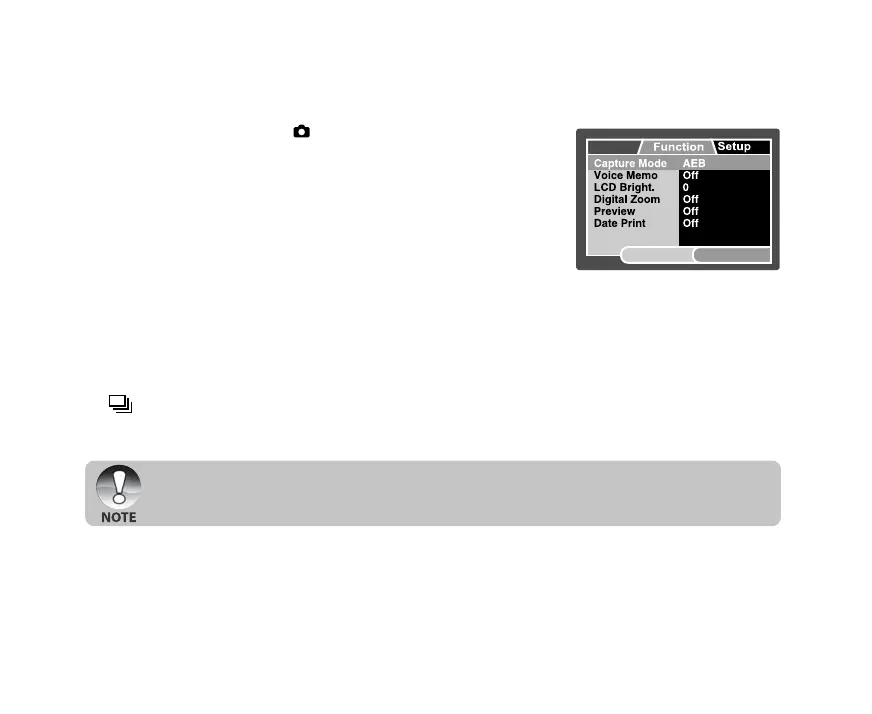
Capture Menu (Function)
1. Slide the mode switch to [ ].
2. Press the MENU button, and select the [Function] menu with
the X button.
J [Function] menu is displayed.
3. Select the desired [Function] option item with the S / T
buttons, and press the SET button to enter its respective
menu.
4. Select the desired setting with the S / T buttons, and press
the SET button.
5. To exit from the menu, press the MENU button.
Capture Mode
This sets the recording method at the time of capturing images.
*[Blank] Single: Captures an image at a time.
*[
] Continuous: Permits continuous photography of 3 images max.
*[AEB] AEB: Permits 3 consecutive images in the order of standard exposure,
underexposure and overexposure compensation.
J In [Continuous] and [AEB] capture mode, the voice memo is automatically fixed at
[Off].
Voice Memo
Refer to section in this manual titled “Recording Voice Memos” for further details.
* On / Off
Capture
SET:Adj.MENU:Exit


 To Next Page
 Loading...